




Rental LED Display: Complete Guide for Events, Stages and Exhibitions
A rental LED display is a modular screen system used for temporary event installations and repeated deployment. Its cabinets move through packing, transport, assembly, testing and dismantling before returning to another venue. Choose the system around your audience, content, installation plan and operating team.
First decide whether you need a screen service for one event or equipment for your own rental fleet. Then confirm viewing distance, screen layout, indoor or outdoor conditions, camera requirements and the scope of technical support. Use the answers to compare proposals and plan the show.
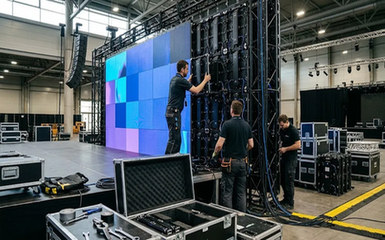
What Is a Rental LED Display?
Rental cabinets are assembled into a screen for an event and dismantled afterward. Their repeated handling makes cabinet condition, connection checks, maintenance access and transport preparation part of the operating routine.
For a rental LED display, review the full deployment cycle alongside image quality. Ask to see how cabinets connect, how replacement modules are accessed, and how equipment is packed. Include teardown and inspection in your planning from the beginning.
Event hire or equipment purchase?
Separate the service request from the product request in your first inquiry. For event hire, request dates, venue coverage, installation, operation and collection. For equipment purchase, specify the intended event types, cabinet inventory, spare parts and training requirements.
Ask the supplier to confirm which arrangement it offers in your location. Before accepting a proposal, identify who supplies the screen, who installs it and who operates the finished system.
Keep the rental LED display specification separate from the event service schedule. Ask for an equipment list and a responsibility list, then review both with the person managing the venue.
Matching the Display to Events, Stages and Exhibitions
Describe what the audience needs to see. Choose representative content for each event and ask the supplier to show it from the planned viewing positions.
Conferences and corporate events
For presentations and product launches, test speaker names, slide text, charts and video together. Stand at the nearest planned seats and farther back. Ask presenters to review their actual slides before approving the screen specification.
Include stage lighting and any camera feed in the rehearsal request. Record the approved display settings and content version for the operating crew.
For a conference rental LED display, request a preview of the full presentation sequence. Include opening slides, sponsor logos, speaker changes and a holding image for breaks. Have the presenter approve the smallest text.
Concert stages and live productions
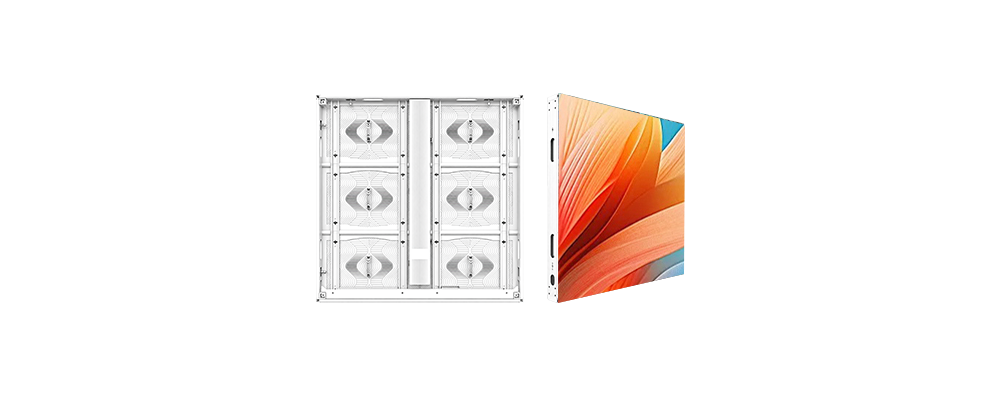
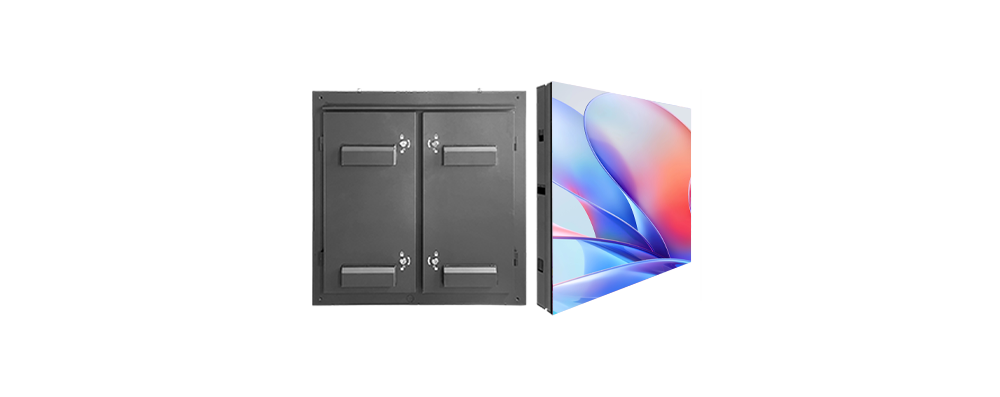
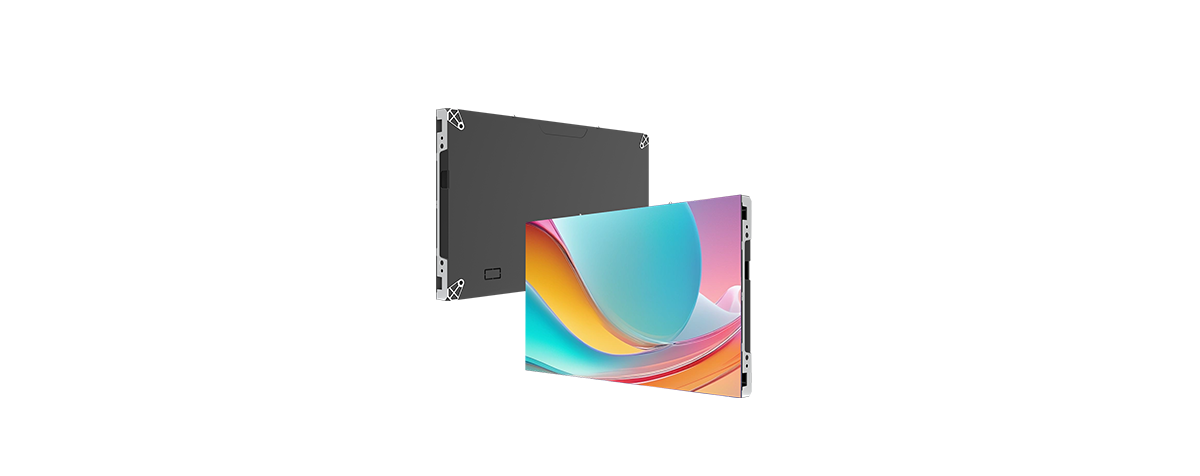
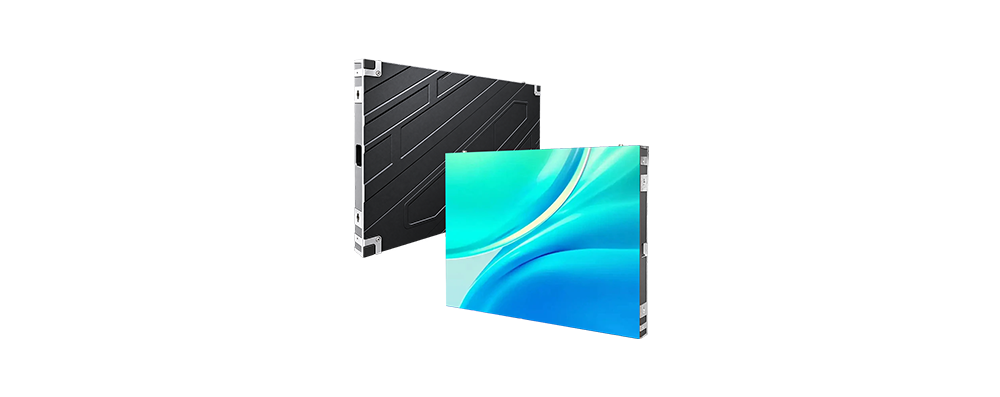
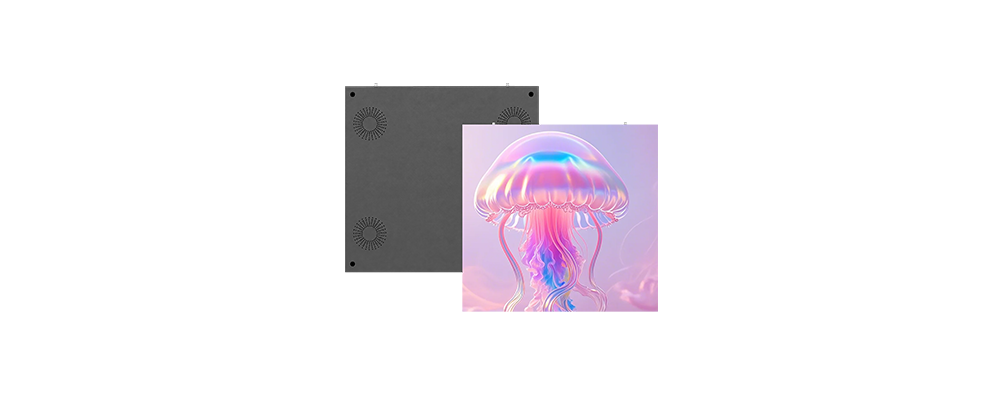
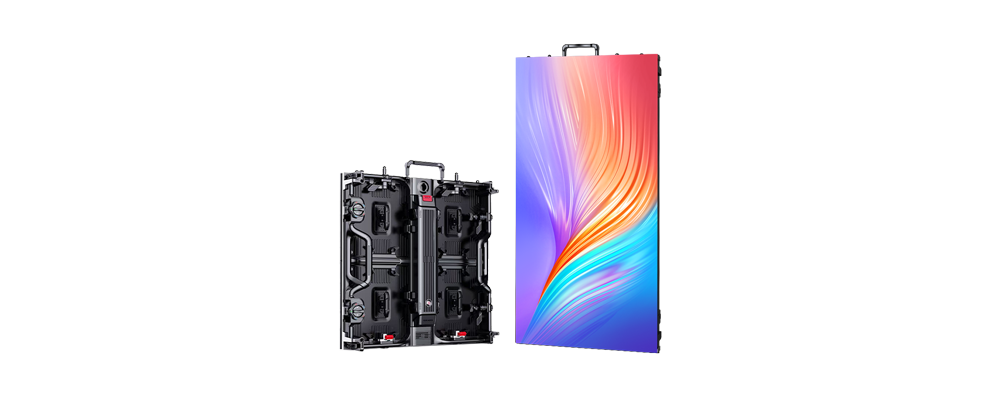
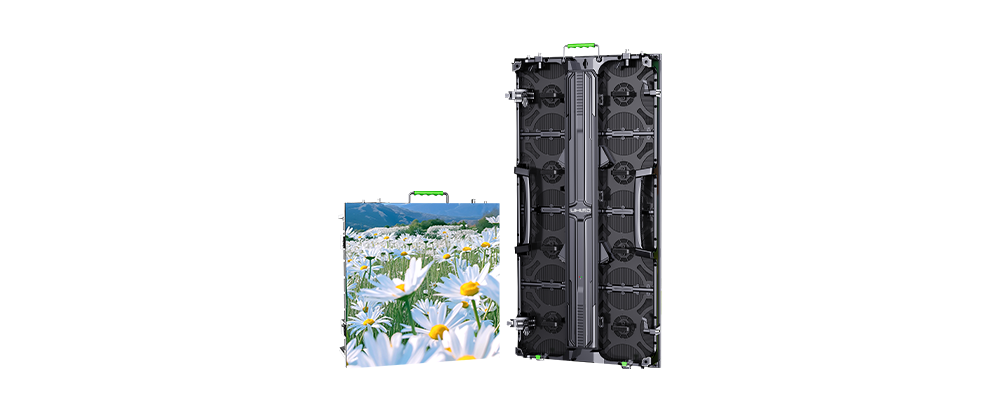
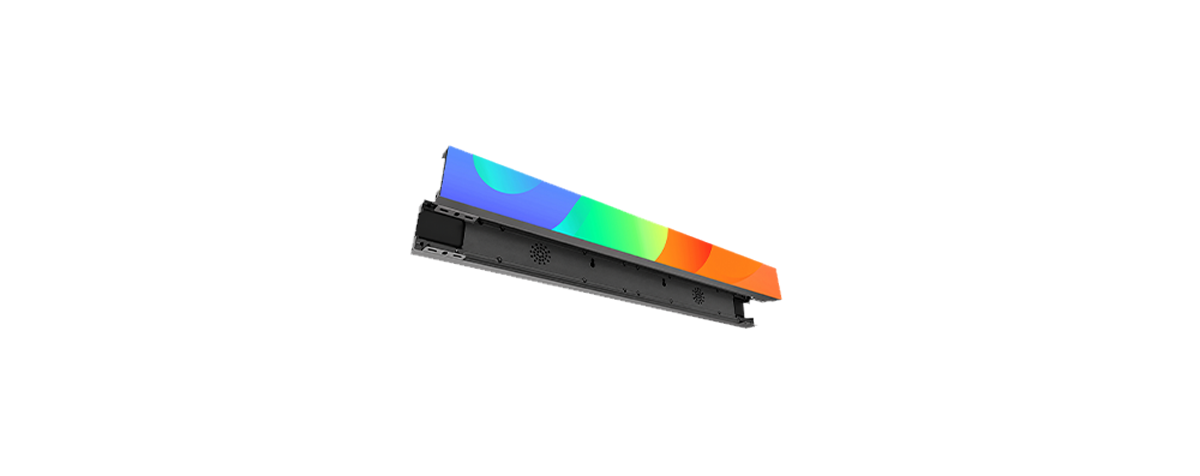
UHLED describes its modular rental screens for concerts, parties and commercial activities. Its Hard Connection product supports arc splicing, while Soft Connection describes arc, circular and wave arrangements.
Send the proposed creative stage shape early. Ask for a cabinet layout, content template and installation proposal for that shape. Confirm the live video arrangement and rehearse transitions between playback and cameras.
Exhibition booths and trade shows
For a booth, provide the stand drawing, aisle positions and proposed screen location. Request approval for the complete arrangement before ordering equipment or producing final media.
Check service access against the booth design. UHLED lists front and rear maintenance for Hard Connection and rear maintenance for Soft Connection. Select the product with the layout, then reserve the required service space.
How to Choose a Rental LED Display
Compare each proposal by viewing distance, image detail, screen layout and operating environment. Ask the supplier to tie each recommendation to your project information.
Tamanho do pixel e distância de visualização
Pixel pitch is the distance between adjacent pixels. A smaller pitch supports finer resolution for close viewing. For your rental LED display, assess the proposed pitch with the smallest text and most detailed imagery you intend to show.
UHLED’ s Hard Connection rental cabinets list pitch options of 1.95, 2.604, 2.976 and 3.91 mm. Use the seating plan to choose the pitch, then ask the supplier to confirm it.
Screen dimensions and content layout
Specify the available width and height, then request the cabinet arrangement and resulting pixel resolution. Hard Connection lists 500 × 500 mm and 500 × 1000 mm cabinet formats.
Request the exact canvas dimensions, aspect ratio and content placement diagram before approving media. For an unusual screen shape, ask for a preview showing text, logos and video in their intended positions.
Review the rental LED display drawing with the content producer. Mark the intended areas for titles, video and branding, then request a sample file rendered to the approved canvas. Obtain approval before exporting the remaining assets.
Indoor and outdoor conditions
Hard Connection is listed for indoor and outdoor application. Confirm the exact configuration for your venue, including exposure, protection, operating conditions and maintenance access.
Brightness can be adjusted through the display control system. Ask the technician to demonstrate the proposed settings under representative lighting and include a final adjustment during rehearsal. For outdoor work, request the site protection and weather response arrangements in writing.
Planning for Cameras, Playback and Live Content
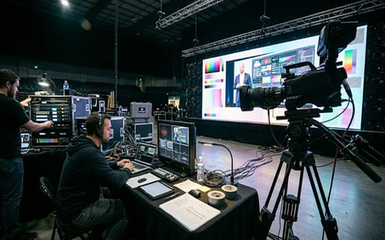
Give camera acceptance its own check during rental LED display planning. Request a test using the planned cameras, lenses, frame rates, shutter settings, display brightness and representative content. Review the recorded result for flicker, banding, moiré and text clarity.
Use the test to approve the setup. Ask for another check after a material change to the camera configuration or screen settings. Keep the accepted settings with the production notes.
For playback and live inputs, send a source list to the video technician: presentation computers, playback devices, camera feeds and any remote contribution. Ask the team to confirm connection types, input formats, switching arrangements and the final screen mapping.
Prepare a simple cue sheet. Specify the opening image, presentation changes, live camera moments and holding screen. Include the operator’s name and the person authorized to approve last-minute content changes. Rehearse the handovers with the actual files and source devices.
Installation, Testing and Show-Day Operation
LED installation usually requires professional technical support for structures, power and signal connections. UHLED states that its engineers can provide internal wiring and installation structure diagrams. Request the applicable drawings for your configuration.
Venue access and mounting
Confirm delivery access, unloading times, assembly space, screen position and collection arrangements with the venue. Ask the installation contractor and venue to agree on the mounting plan and responsibilities before load-in.
Hard Connection supports hanging and stacking. Request a site-specific installation proposal, including the necessary supporting equipment and approvals. Name the responsible contacts for installation, electrical work, video operation and final acceptance.
Power, signal and testing
Review cable routes and equipment protection during the site visit. UK HSE event electrical guidance recommends protecting equipment exposed to adverse weather and routing cables to reduce tripping hazards and mechanical damage.
Before delivery, check power-on operation, dead pixels, color consistency, signal flow, cabinet locks and content resolution across the system. Also confirm cabinet alignment, case labels, spare parts and the layout drawing.
At the venue, run the show sequence after installation. Assign someone to record defects, corrections and final acceptance. Use UHLED’s event testing and backup checklist to organize the handover.
Backup and fault response
Plan spare modules, power supplies, receiving cards, signal cables and video control equipment with the technical team. Assign a technician familiar with the system, then agree on the holding image and communication procedure for an interruption.
After the event, inspect cabinet corners, connectors and modules, and record service notes before the equipment returns to storage.
Keep a rental LED display handover record with the final layout, accepted settings, outstanding issues and spare equipment location. Share it with the show operator and name a contact for escalation during the event.
Rental LED Display Cost: What to Include in a Quote
Request an itemized quote against the written brief. Compare the equipment and service scope before choosing an offer.
|
Quote area |
What to request |
|---|---|
|
Mostrar |
Product, pixel pitch, cabinet quantity, dimensions and resolution |
|
Video equipment |
Processing, playback, input connections and control equipment |
|
Installation |
Mounting arrangement, supporting equipment, crew and access requirements |
|
Logistics |
Transport, cases, delivery, collection and handling responsibilities |
|
Operation |
Rehearsal attendance, show coverage, contact person and spare equipment |
|
Termos comerciais |
Dates, included hours, overtime, cancellation and damage responsibilities |
For a rental LED display hire, specify the entire period from delivery through collection. Ask which services and items are excluded, and request written approval for any substitution.
For fleet ownership, prepare a separate budget for equipment, cases, spares, storage, transport, staffing and maintenance. Review that budget against your own event schedule and operating records. Ask how future replacement parts and additional cabinets will be specified.
Before signing, have the production lead check the quote against the layout and cue sheet. Resolve any difference between the requested screen and the offered system, then attach the agreed specification to the order.
When comparing rental LED display proposals, return unanswered questions to each supplier. Ask for a revised scope wherever the equipment list, staffing plan or delivery schedule differs from your brief, and retain the written response with the order.
Preparing Your Project Brief
Send a concise brief with event dates, venue, audience positions, screen dimensions, content examples, camera plan and installation schedule. Add drawings or photographs showing access and the proposed display location.
State whether you are seeking event hire or buying rental-ready equipment. List the services you expect, including installation, rehearsal, operation, teardown and training where applicable. Ask the supplier to identify assumptions and exclusions beside its recommendation.
When assessing UHLED options, review both Hard Connection and Soft Connection configurations against your layout and maintenance access. Request confirmation of the exact product, cabinet mix and supporting equipment.
Use the completed brief to contact UHLED about your project. Request a product recommendation, layout drawing and clearly scoped proposal. Keep the approved brief as the reference for delivery and acceptance.
Before confirming the order, ask all responsible teams to review the final brief and acknowledge their assigned delivery tasks.
Perguntas Frequentemente Fazidas
What is the difference between LED screen rental and a rental LED display?
Clarify whether the offer covers a temporary event service or the sale of reusable display equipment. Ask for the service location, dates and responsibilities alongside the product specification.
Which pixel pitch should I choose for an event?
Start with viewing distance and content detail. Smaller pitch supports closer viewing; request a demonstration with your slides, text and video before approving the recommendation.
Can one rental system serve indoor and outdoor events?
UHLED lists Hard Connection for both applications. Confirm the exact configuration and operating conditions for each venue, including equipment protection and installation arrangements.
What should an LED screen quote include?
Request the display specification, video equipment, mounting, transport, labor, rehearsal, show operation, spares and commercial terms. Ask the supplier to mark every exclusion and confirm who handles each stage of delivery.


