










What Does LED Stand For LED Screen Guide
LED stands for Light Emitting Diode. The term names a semiconductor device that emits visible light when current passes through it. In an LED screen, many small light sources are arranged to form text, images, and video.
You will see the abbreviation in televisions, monitors, advertising screens, stage walls, and retail displays. LED may mean a component, a backlight, or a direct-view display system.

What Does LED Stand For?
“Light” refers to the visible output. “Emitting” describes its release. A “diode” is an electronic component that lets current move through a semiconductor junction in a controlled way.
An LED is a light-producing semiconductor component. A complete screen combines LEDs with pixels, modules, cabinets, power supplies, signal equipment, and control software.
How Does an LED Work?
The component’s light output becomes useful when a display system controls many LEDs together. That control happens at pixel level.
What Happens Inside a Light Emitting Diode?
When current passes through the semiconductor material, energy is released as light. The material and device structure influence the colour. Display systems combine red, green, and blue light to create a wider range of colours.
The LED itself is small. A display uses many in an organized pixel structure. As the video signal changes, the control system changes pixel output.
Why Are LEDs Used in Displays?
LEDs provide controllable light output in a compact component. An array can form the pixels viewers see directly. It can also illuminate another panel from behind.
The same abbreviation appears in two display structures.
An LED screen can serve advertising, events, retail, or architectural display needs.
What Does LED Screen Mean?
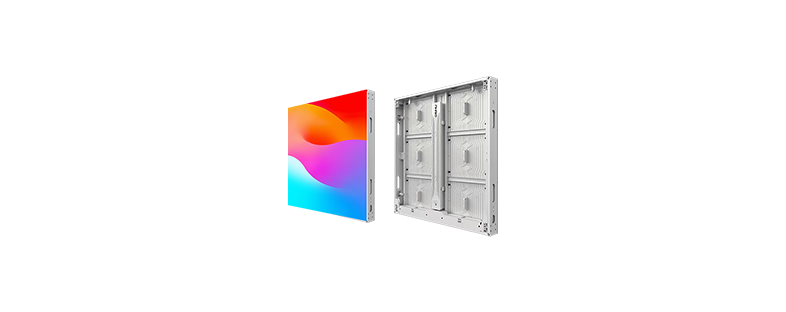
An LED screen uses light-emitting diodes in its image system. In a direct-view LED display, the LED pixels produce the visible image. Modules join together to create a larger screen, wall, sign, or creative shape.
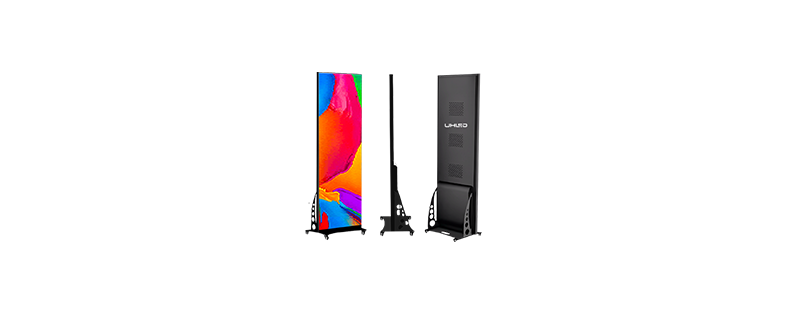
People also use “LED display” and “LED wall” for related products. These terms describe a format and an application. A commercial LED wall may use many cabinets; a smaller LED poster uses a different physical format.
Screen size, resolution, and pixel pitch describe different things. Pixel pitch is the distance between adjacent pixels. A smaller pitch suits closer viewing; a larger pitch suits longer viewing distances, according to UHLED product guidance.
Is an LED Screen the Same as an LED-Backlit LCD?
The label alone does not tell you whether the screen is LCD or direct-view LED. In an LED-backlit LCD, the liquid-crystal panel forms the image and LEDs provide light behind it. A direct-view LED display uses LED pixels to create the image.
| Display type | What creates the image | Common context |
|---|---|---|
| LED-backlit LCD | Liquid-crystal panel, illuminated by LEDs | TVs, monitors, commercial panels |
| Direct-view LED | LED pixels | LED walls, advertising screens, stage displays |
| OLED | Self-emitting organic pixels | Consumer displays and premium screens |
The label “LED TV” often refers to an LCD television with LED backlighting. A large advertising display commonly uses direct-view LED modules. This is a useful point to settle early: ask which structure appears in the quotation.
What Are the Main Types of LED Screens?
LED screen formats vary with the site and viewing distance.
Indoor LED Screens
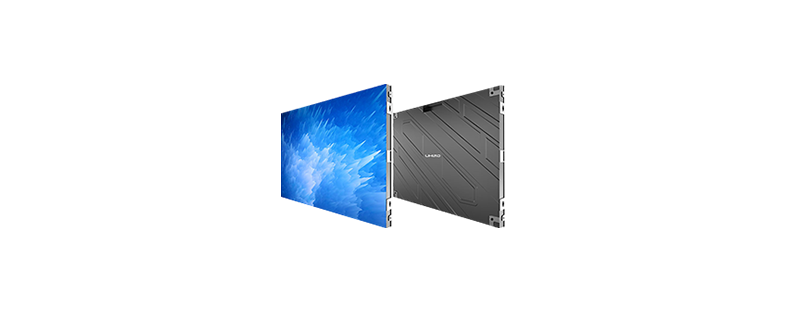
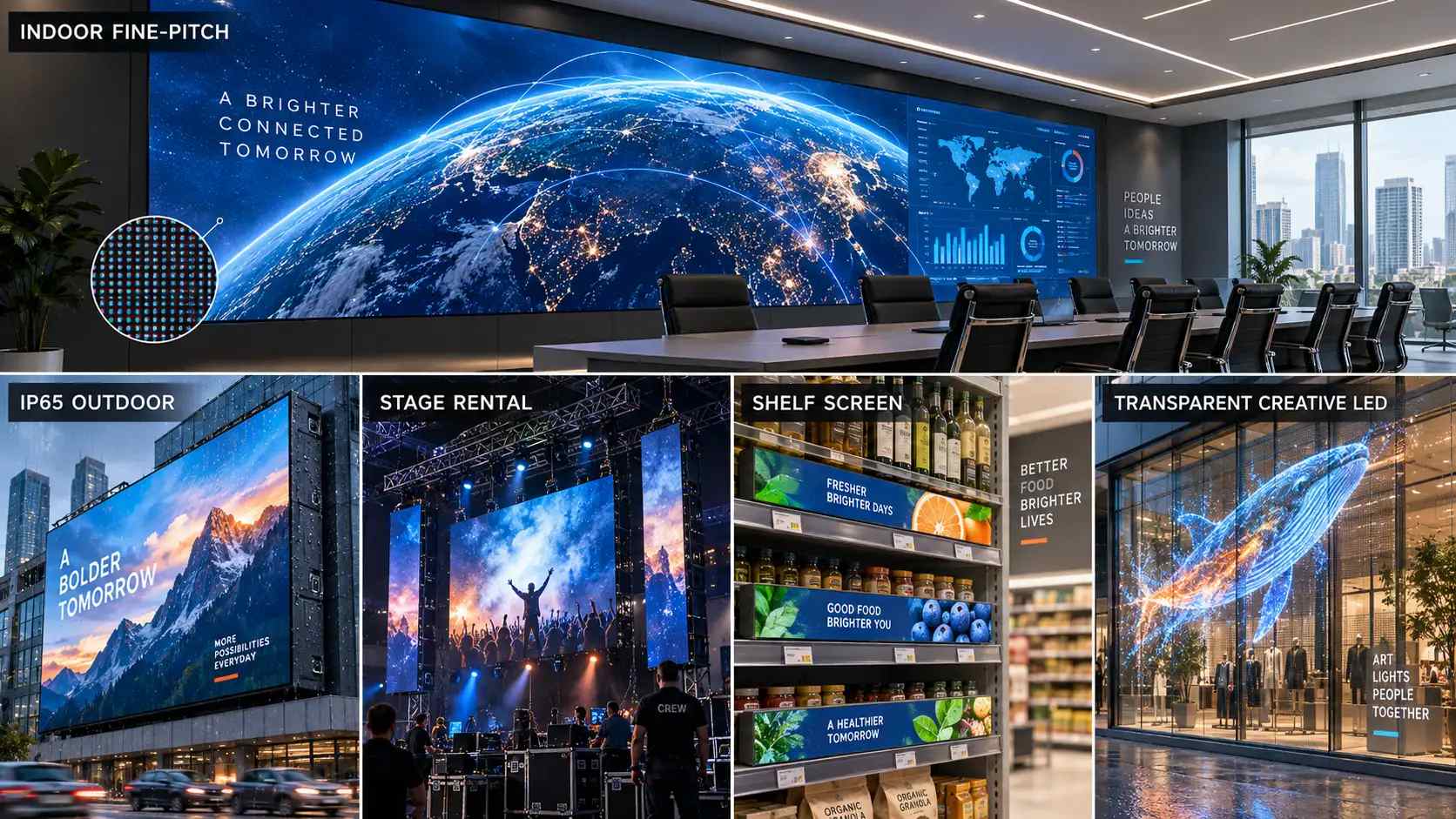
Indoor LED screens appear in meeting spaces, showrooms, malls, and control areas. Viewers may stand close. Pixel pitch and viewing distance therefore need to be considered together.
When reviewing an indoor LED display, provide the nearest and typical viewing distances. Add room lighting and nearby windows to the brief. Reflective surfaces and fine content detail can change what needs checking on site.
Outdoor LED Screens
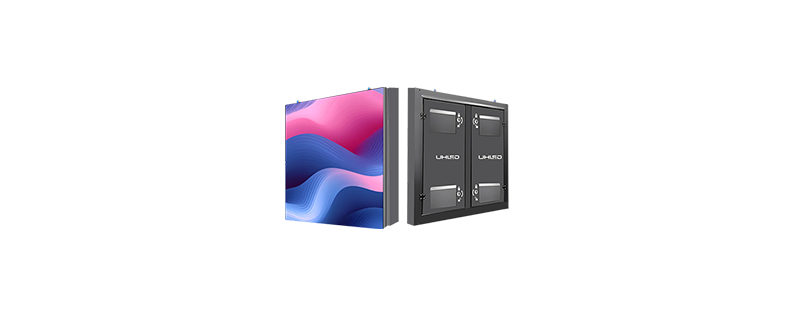
Outdoor LED screens support advertising, building displays, sports venues, and commercial landmarks. Daylight, weather exposure, maintenance access, and brightness adjustment affect installation.
UHLED guidance states that outdoor LED displays usually use IP65 or above. The exact protection rating remains model-specific. Brightness can be adjusted through the control system. Where the configuration includes a light-sensor probe, adjustment can also be automatic.
Rental, Shelf, Poster, and Creative LED Displays
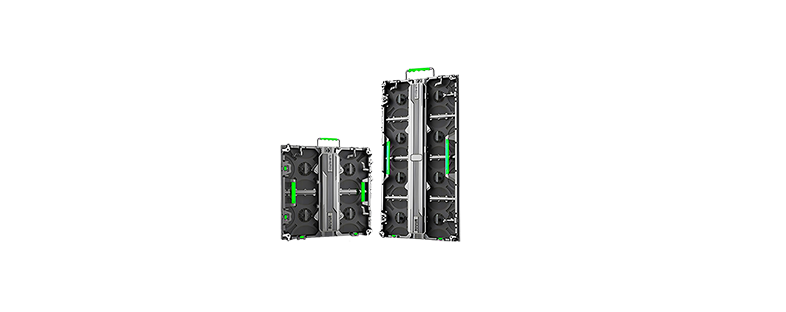
Rental LED screens serve concerts, festivals, product launches, annual meetings, and other temporary events. Here, the brief has to cover the installation method and transport. Screen size, signal path, and event schedule follow from those practical conditions.
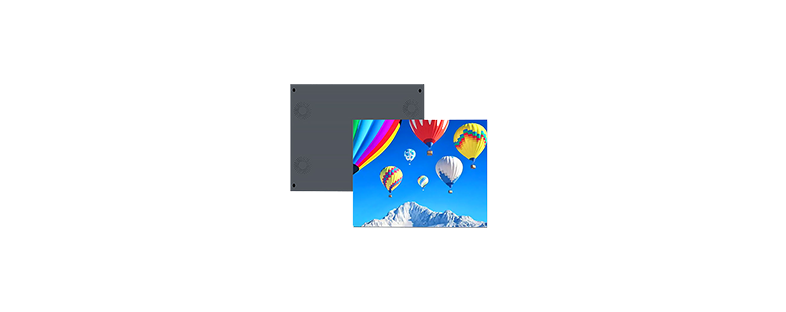
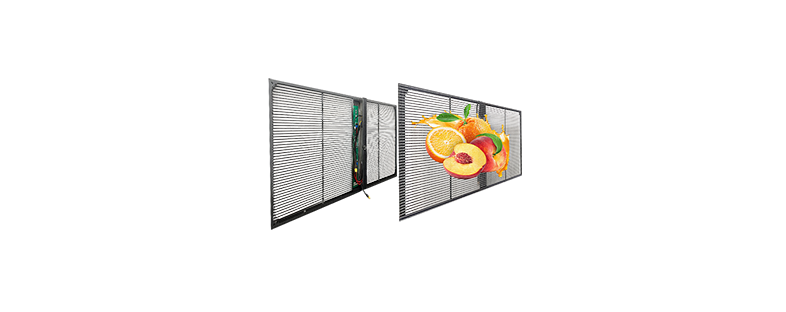
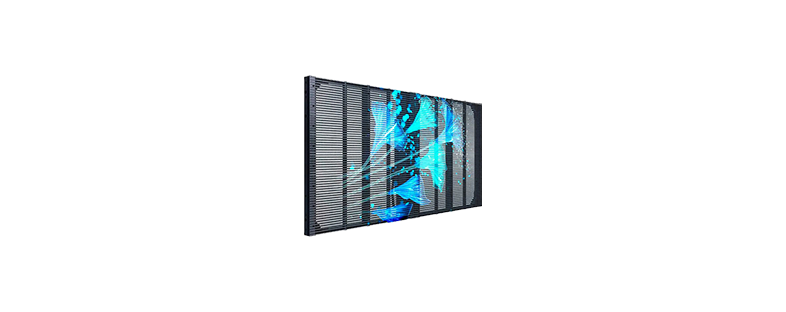
Shelf LED displays fit retail shelving and brand merchandising. LED poster screens support store, exhibition, and promotional content. Transparent, irregular, and naked-eye 3D displays address special architectural or creative requirements.
The light-emitting principle stays the same across these products. Cabinets, mounting conditions, maintenance access, and control arrangements can differ.
Which Specifications Matter When Choosing an LED Screen?
The useful specification set depends on where the screen operates and how viewers receive its content.
Pixel Pitch and Viewing Distance
Pixel pitch affects image detail at a given distance. Start with the nearest viewing position, then record where most of the audience will stand. Screen area alone gives too little information for pitch selection.
Brightness and Ambient Light
Ambient light changes how the screen appears. Outdoor sunlight affects dark content. Indoors, windows and ceiling fixtures can create reflections.
UHLED states that brightness can be adjusted through the control system. A light-sensor probe can provide automatic adjustment when configured for the selected display. Confirm the function, operating range, and control package for the specific model.
Refresh Rate and Camera Use
Refresh rate describes how frequently the display updates its image. A higher refresh rate supports a more stable, flicker-free image for filming or high-speed motion scenes, according to UHLED material.
Tell the supplier whether the screen will appear in photography, recorded video, or livestreams. Use the intended camera and content during the final review. The supplied information does not set one refresh-rate threshold for every project.
Control and Signal Options
UHLED states that its displays support WiFi and HDMI control and compatibility with NovaStar and Grayscale (HD). The controller and signal path still need confirmation for the chosen model.
The LED display products range can be used as a starting point for that product discussion. The final configuration should match the content source, installation environment, and maintenance plan.
How Do You Choose the Right LED Screen?
Begin with the installation environment. Record the location, dimensions, mounting surface, weather exposure, and maintenance space.
Record the nearest and typical viewing distances. Describe the content: text, images, video, live camera feeds, advertising loops, or 3D material. A close-reading screen calls for a different brief from one viewed across a road or public square.
Confirm brightness control, sensor options, refresh-rate needs, and signal equipment. Ask for the exact model and specification sheet. A curve, corner, transparent section, shelf format, or unusual shape should be shown in a drawing or dimensional requirement.
What Are Common Misunderstandings About LED Screens?
An LED screen is not automatically an LED-backlit LCD. The image-forming component decides the structure.
LED is the name of a light-emitting component. LED display describes a system that uses those components to show content. Screen size does not tell you the resolution. A smaller pixel pitch also does not suit every viewing distance.
Brightness, refresh rate, contrast, and resolution are separate specifications. Each answers a different question about the display. Compare them with the environment and content. The word “LED” alone does not identify the full configuration.
Conclusion
LED means Light Emitting Diode. In a direct-view LED screen, LED pixels produce the image. In an LED-backlit LCD, LEDs illuminate a liquid-crystal panel. Buyers can avoid confusion by identifying the structure, then checking pixel pitch, viewing distance, brightness control, refresh rate, and signal requirements.
Shenzhen Uhled Technology CO., LTD was founded in Shenzhen in 2015. UHLED’s product scope includes indoor, outdoor, rental, shelf, poster, transparent, and irregular LED displays. Company material also lists eight project engineers and overseas project support.
For a product review, prepare the application, dimensions, viewing distances, content type, installation conditions, and control preference. Retail projects can review the LED display for retail stores application path.
FAQ
Q1: What does LED stand for?
A: LED stands for Light Emitting Diode. The term describes a semiconductor component that emits visible light when current passes through it.
Q2: What does LED screen mean?
A: An LED screen uses light-emitting diodes in its image system. In a direct-view LED display, LED pixels create the visible image. Cabinet and module design depends on the product.
Q3: Is an LED screen the same as an LCD screen?
A: The two structures differ. An LED-backlit LCD uses a liquid-crystal panel to form the image and LEDs for backlighting. A direct-view LED screen uses LED pixels to form the image.
Q4: How does an LED display produce light?
A: Current passes through a semiconductor LED and produces visible light. Red, green, and blue LEDs can be arranged as pixels, allowing the control system to create coloured images.
Q5: What should you check before buying an LED screen?
A: Confirm the display structure, application, dimensions, viewing distances, content type, brightness control, refresh-rate needs, signal path, and maintenance conditions. Ask the supplier to tie proposed figures to an exact model and specification sheet.


