


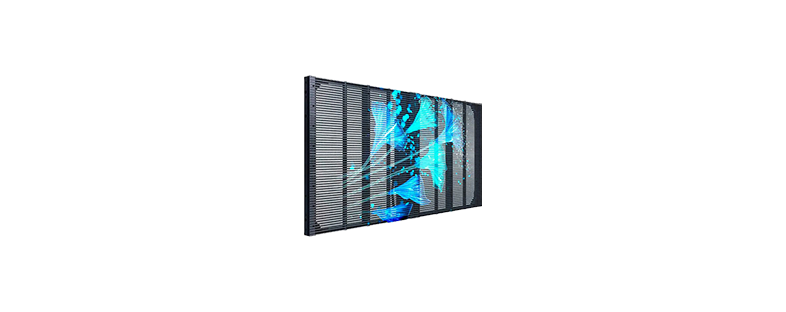

Outdoor Rental LED Display for Concerts and Festivals: Brightness, IP Rating and Setup
Outdoor concerts and festivals ask more from an LED screen than a simple indoor presentation. The display must remain readable as daylight changes, fit the stage plan, connect cleanly with the show system, and be installed with attention to weather and site conditions. A rental screen also has to be practical for transport, assembly, service access and rapid replacement.
The right choice starts with the event plan. Screen position, audience distance, daylight exposure, content format, support method and power routing should be discussed together. This guide explains how to evaluate an outdoor rental LED display for a concert or festival, with particular attention to brightness, IP rating and setup.
1. Choose the screen around the concert site
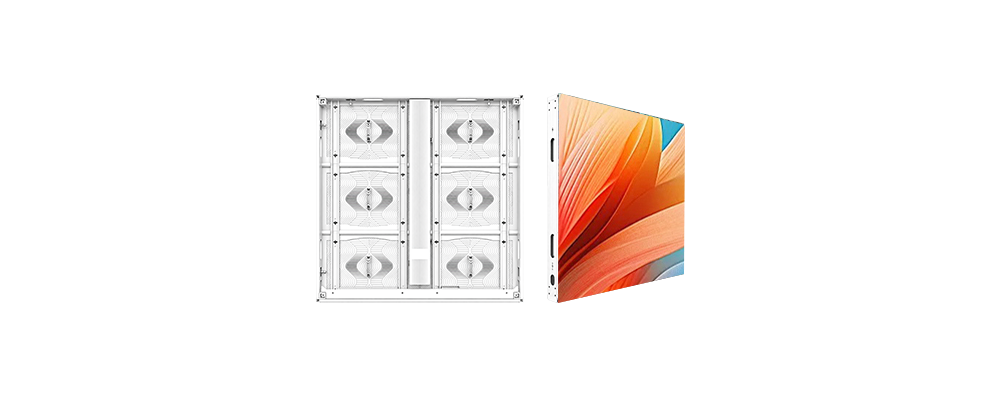
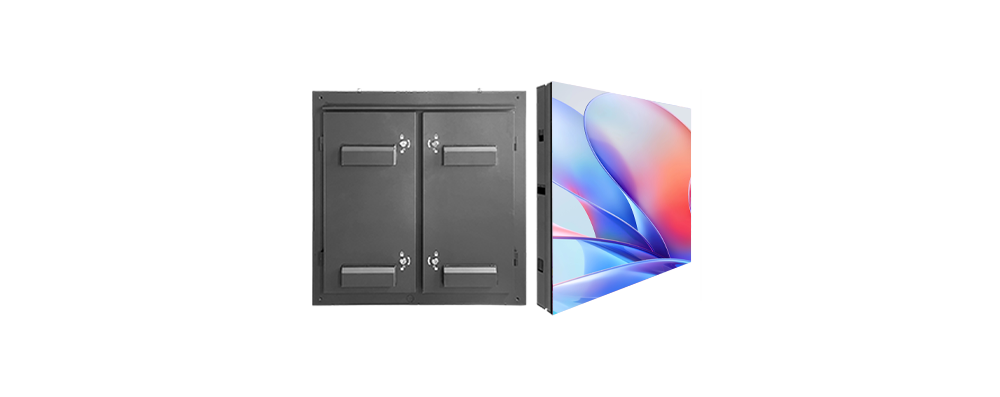
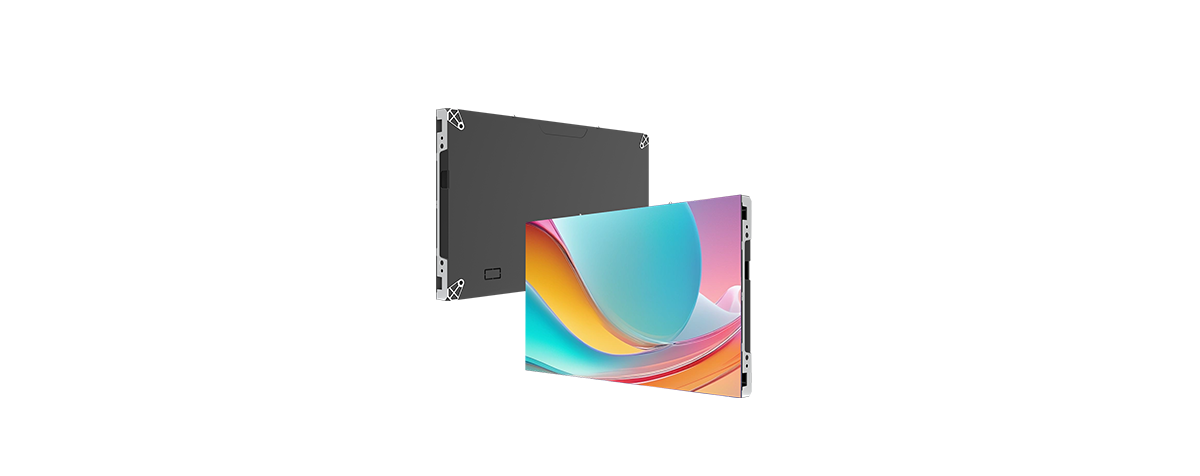
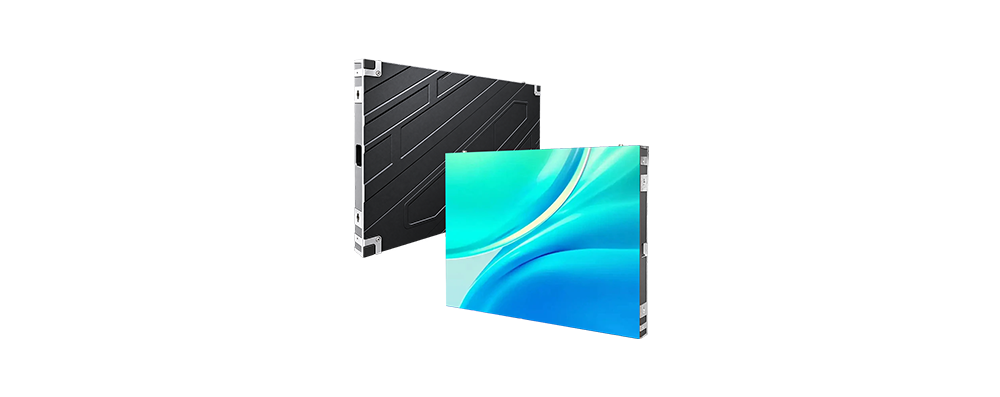
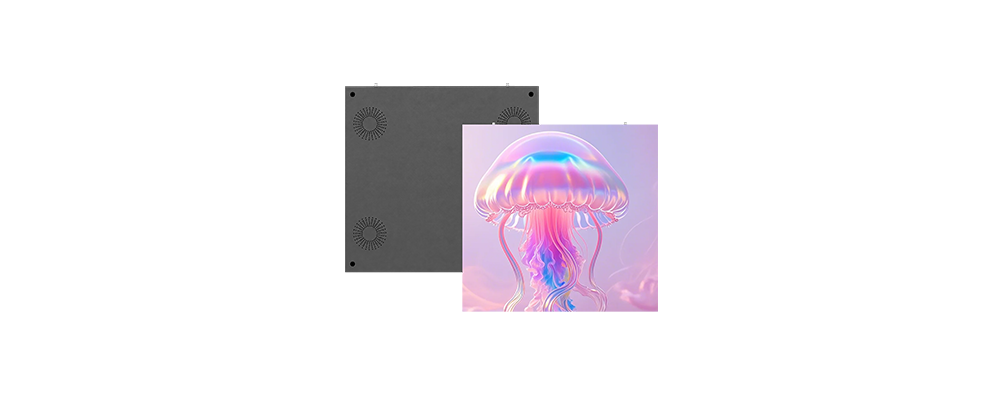
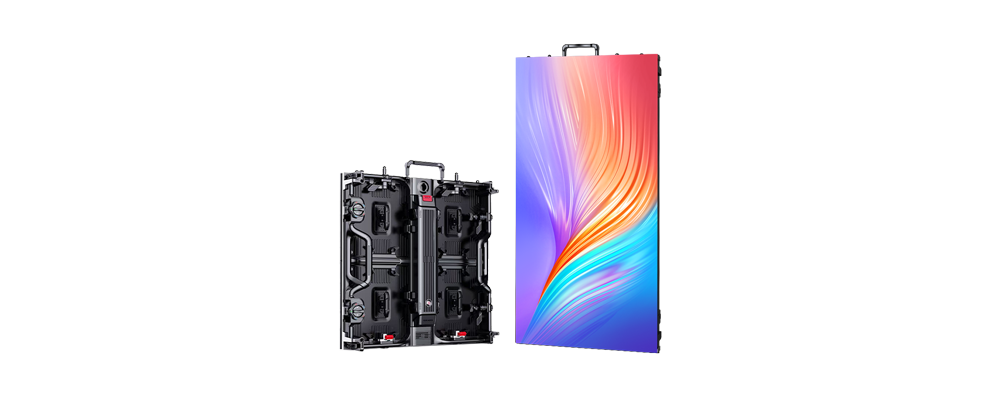
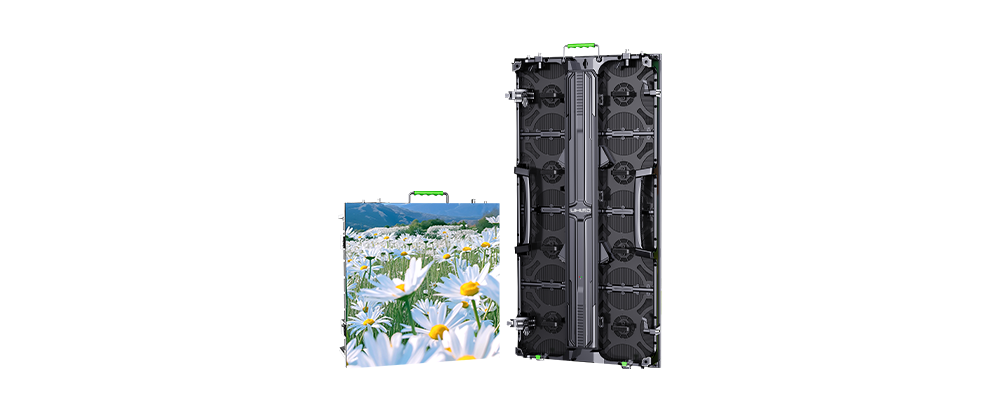
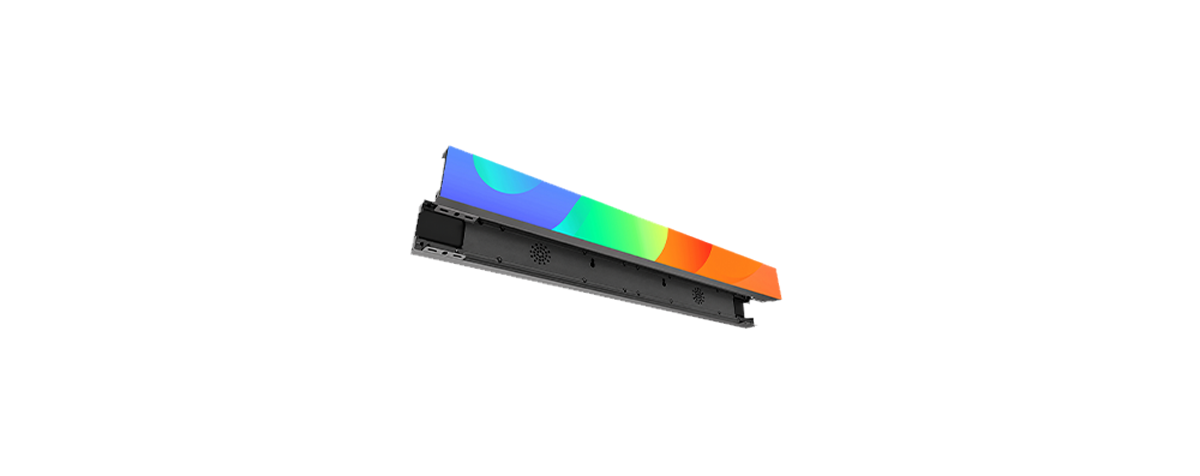
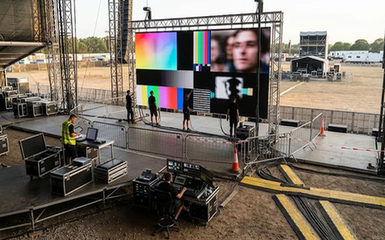
A rental LED display can be used for stage backdrops, side screens, live camera images, sponsor content and information panels. UHLED’s rental screen information describes a modular design for indoor and outdoor stage applications, including concerts, parties and commercial activities. Hard Connection configurations are listed for indoor and outdoor use, with hanging and stacking installation options.
The screen position changes the specification. A main backdrop usually needs a wide content canvas and a clear view from the audience. Side screens may be viewed at an angle, so viewing distance and audience spread matter. A screen near the front of the stage may need a finer pixel pitch than one placed farther away.
Before requesting a rental quote, record:
the screen width and height;
the main audience viewing zones;
the distance from the nearest and farthest viewers;
whether the screen is a backdrop, side screen or freestanding display;
the planned content resolution and signal sources;
whether the show runs in direct sunlight, shade, evening light or a mixture of conditions.
Daytime and evening requirements are often different. A setting that looks comfortable after sunset may appear weak in direct daylight. A setting that works at midday may be unnecessarily intense after dark. Ask the operator how brightness will be adjusted during the event and include time-of-day checks in the rehearsal plan.
2. Brightness: separate the rating from the operating setting
Brightness is commonly described as luminance, measured in candela per square metre, also written as cd/m² or nit. That unit describes the quantity being measured. It does not create one universal brightness number for every outdoor concert.
A useful rental specification separates three items:
the display’s rated capability;
the brightness setting used for the show;
the result observed from the planned audience positions.
The operating setting depends on ambient light, content, viewing distance and the visual comfort expected by the audience. A control system can adjust LED display brightness for different ambient lighting conditions. If an automatic light sensor is part of the proposed package, ask how it will be configured and who can override it during the show.
Test brightness at the actual site or at a representative position. Check the screen in the strongest expected daylight, then repeat the check during the evening transition. Review white backgrounds, dark scenes, skin tones, logos and fine text. The purpose is to confirm that important content remains readable while keeping the screen comfortable for nearby viewers.
Do not treat a number copied from a general product table as a guaranteed outdoor threshold. Request the rated brightness for the exact configuration, the measurement method, the normal operating range and the person responsible for final adjustment.
3. IP rating: confirm what the evidence covers
The IP code uses two digits. The first digit describes protection against solid ingress. The second digit describes protection against liquid ingress. An IP65 label, for example, combines a first digit of 6 with a second digit of 5.
The first digit 6 is the dust-tight level in the referenced IP guidance. The second digit 5 covers protection against water jets under the stated test conditions. These definitions describe enclosure protection. IEC 60529 does not, by itself, specify corrosion resistance or every environmental operating requirement.
That distinction matters when a rental screen is assembled outdoors. The IP result may apply to a particular enclosure, orientation, cover, connector arrangement or test setup. It does not automatically prove that every cabinet face, cable connection, receiving card, power distribution box or temporary structure has the same protection.
Ask for evidence for the proposed configuration. Confirm whether the front and rear of the cabinet are covered by the same rating, how service doors and cable entries are treated, and whether the rating applies after the screen is assembled. Check the condition of seals, locks and connectors before the system is powered.
An IP rating also does not mean that a screen can be placed in standing water or left exposed to every weather condition. Outdoor electrical equipment should have suitable covers or enclosures where rain or other adverse conditions could create a hazard. Cables should be routed to reduce trip risks and mechanical damage, with special care at connection points.
4. Match pixel pitch and content to the audience
Pixel pitch is the distance between adjacent pixels. A smaller pitch generally supports closer viewing, while a larger pitch can be suitable when viewers are farther away. UHLED’s Hard Connection information lists pixel pitch options including 1.95 mm, 2.604 mm, 2.976 mm and 3.91 mm.
Use the audience map to guide the choice. Measure the closest viewing area and use the closest viewing area as the reference. Check sightlines from the center, sides and any raised seating. The content team should also know the final pixel canvas before producing graphics.
Hard Connection cabinets are listed in 500 × 500 mm and 500 × 1000 mm sizes. Those dimensions help the production team plan the screen layout, transport and replacement units. They do not, on their own, determine the final pixel matrix or the structural capacity of the support system.
For live camera feeds, rehearse with the cameras, lenses, shutter settings and content that will be used at the event. Check faces, text, fast movement and wide shots on the actual display. Avoid promising a camera result from refresh-rate figures alone. The practical check is a system test with the planned equipment.
5. Plan the structure before the crew arrives
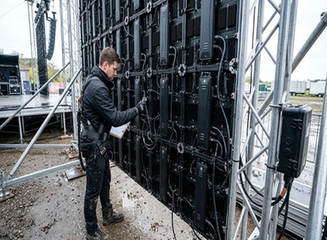
Rental LED displays may be hung or stacked, depending on the configuration and site plan. The method should be shown on a drawing that identifies the screen, support points, access routes, cable paths and service areas.
Outdoor support equipment must account for foreseeable wind loading, ground strength and slope. The ground or floor load-bearing capacity should be checked at the intended structure and at structural anchoring points. These are site and engineering questions; a product page cannot replace a project-specific design.
Before assembly, confirm:
who approves the support design;
where the screen and control equipment will stand;
how the crew will reach service panels;
how cases, spare parts and tools will be stored;
how public areas will be separated from the work zone;
what conditions require work to pause.
The completed structure should follow the design and the manufacturer’s instructions. If it is exposed to weather, the local conditions should be monitored. The event team should agree in advance what action protects stability when conditions become adverse.
6. Check power, signal and the complete system
Outdoor electrical equipment needs protection from rain and unauthorised contact. Use suitable covers or shelters where exposure is possible, and keep temporary cable routes orderly. Protect crossings in public areas and place connections where they can be installed, checked and removed safely.
Pre-show testing should cover the whole display system, the LED modules and the rest of the display system. A practical checklist includes powering the cabinets, checking dead pixels, reviewing colour consistency, testing signal flow, inspecting cabinet locks and confirming that the control system matches the content resolution.
The production team should also check cabinet alignment, labels, the layout drawing and the content map. Run the planned signal sources through the same chain that will be used during the show. Keep a written record of the test result and any cabinet or cable that needs attention.
A backup plan should include compatible spare modules, power supplies, receiving cards, signal cables and video-control equipment where appropriate. A technician who understands the screen system should know who can make decisions if a fault appears during the event.
7. Prepare a complete outdoor rental specification
A useful request for quotation describes the event and asks for evidence. Include the screen size, cabinet type, pixel pitch, installation method, viewing zones, operating dates, daylight conditions, content sources and expected service access.
Ask the supplier to identify:
the exact cabinet and configuration proposed;
the rated brightness and normal operating setting;
the IP evidence for the relevant enclosure and assembly;
front and rear maintenance access;
cabinet dimensions and packing plan;
hanging or stacking requirements;
power and signal requirements;
spare parts and on-site technical support;
pre-delivery testing and handover documents;
the weather-response and stop-work process.
At handover, the operator should know the control workflow, brightness adjustment process, signal path, emergency contact and spare-parts location. The event team should also know who can stop work or isolate equipment when weather, ground or public-safety conditions change.
Veelgestelde vragen
How bright should an outdoor rental LED display be?
There is no single value that suits every concert. Start with the rated capability of the exact configuration, then set the screen for the ambient light and viewing positions. Test in daylight and again during the evening transition. Brightness can be adjusted through the control system, so document both the rating and the operating setting.
What does an IP65 rating cover?
In the referenced IP guidance, the first digit 6 indicates dust-tight protection and the second digit 5 indicates protection against water jets under the test conditions. The code applies to enclosure protection. It does not prove corrosion protection, structural stability, safe operation in standing water or the rating of every connected component.
Can the screen operate during rain?
That depends on the tested configuration, installation condition and event safety plan. Check the relevant enclosure evidence, protect electrical equipment and connections, route cables safely, and follow the site team’s weather procedure. Stop-work decisions should consider weather, wind, ground and public access alongside the IP evidence.
What should be checked before an outdoor concert screen goes live?
Power on the complete system, inspect cabinets and locks, check pixels and colour consistency, test signal flow, confirm the content mapping, verify cable routes, check the support and anchoring plan, and make sure compatible spares and a trained technician are available. Record the result before the audience enters the area.


