






Shelf LED Display Buying Guide for Retail Stores
A shelf LED display brings moving product messages, promotions, and brand content into the place where shoppers make decisions. The right system has to fit the shelf, remain readable at the customer’s normal viewing distance, and work with the store’s power, network, and maintenance conditions.
This guide explains how to choose a shelf LED display for a retail store. It covers screen format, pixel pitch, brightness, installation, control, maintenance, project cost, and the supplier questions that should be answered before an order is placed.

What Is a Shelf LED Display?
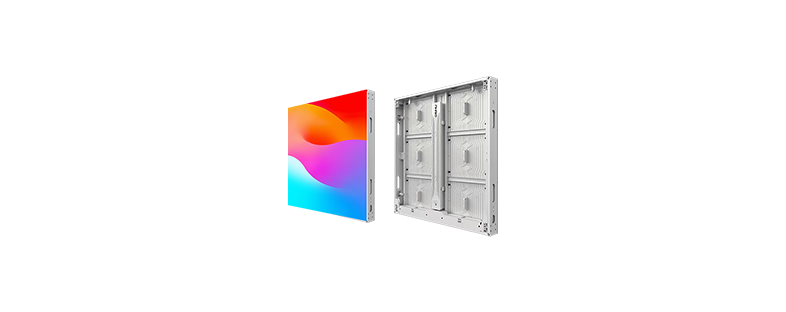
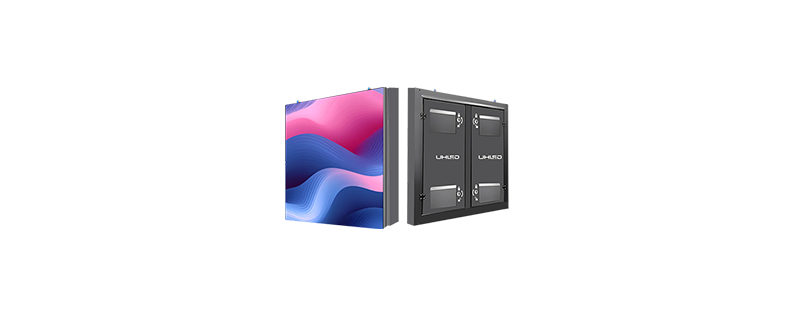
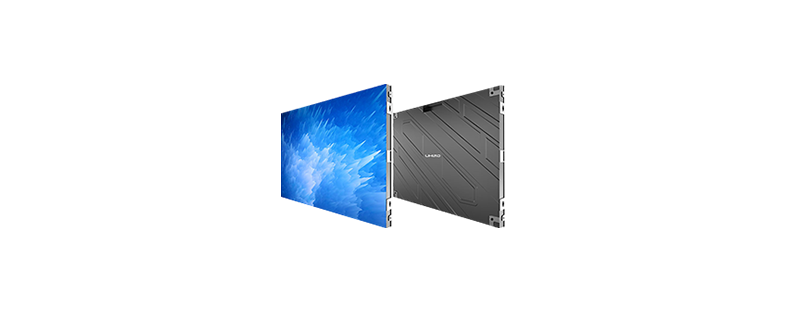
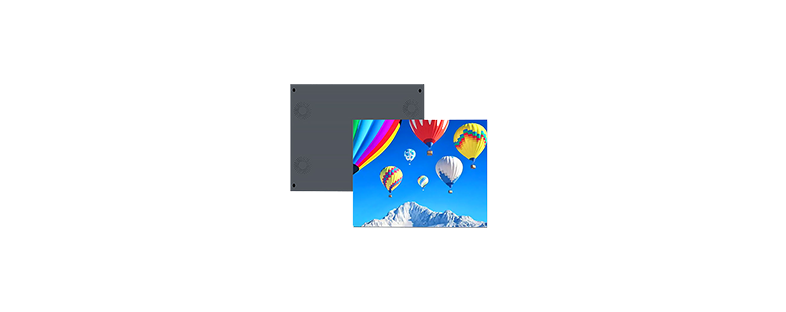
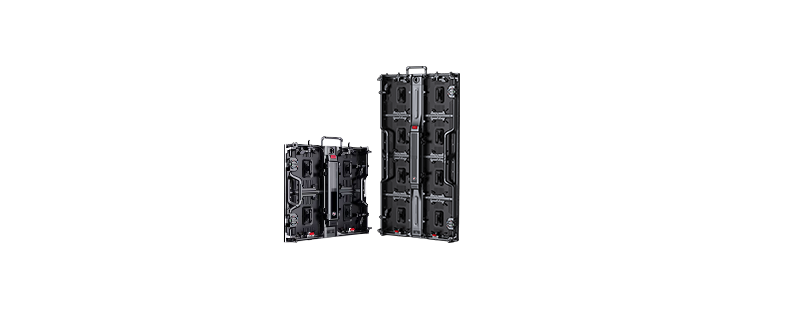
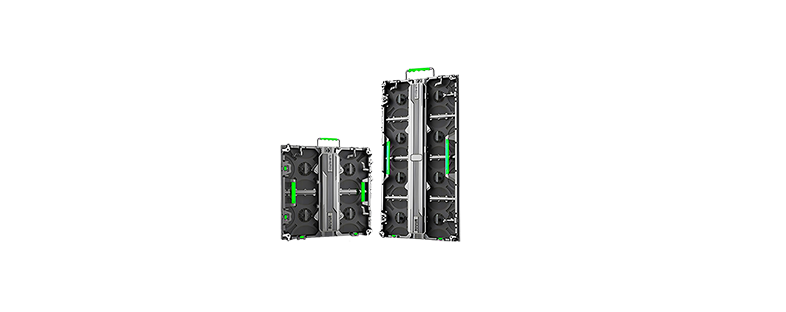
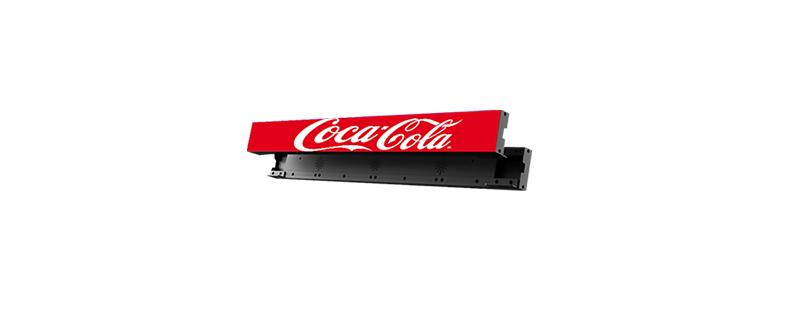
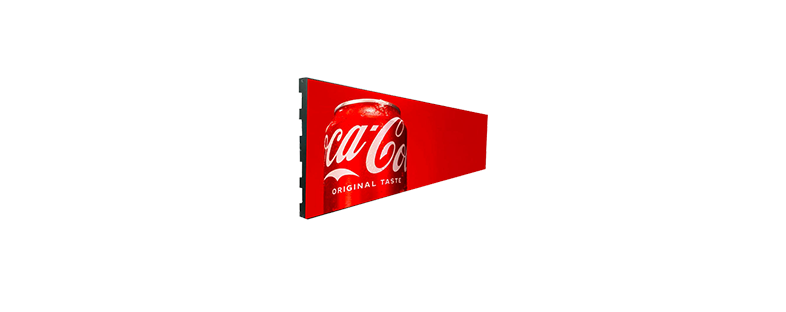
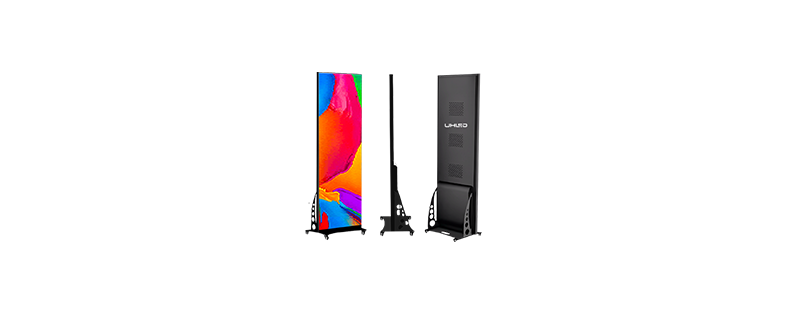
A shelf LED display is a compact LED screen designed for retail shelving, product fixtures, brand counters, and other close-view merchandising locations. It can show product information, promotional messages, campaign graphics, short videos, or brand content beside the products being displayed.
UHLED offers a dedicated Shelf Display product and a shelf LED display solution for retail projects.
When Does a Shelf LED Display Fit a Retail Project?
A shelf LED display works well when a store needs a visible message close to a product or wants to update shelf content without changing printed materials. Common locations include branded shelves, supermarket aisles, product counters, display islands, and promotional end caps.
It is useful when content changes regularly, when several products share a campaign, or when a brand needs the display to follow a defined shelf layout. A screen can also support a multi-store campaign when the content system allows the same material to be distributed to several locations.
Before selecting a model, check whether the project actually needs a digital screen. A static price label may be sufficient for a simple pricing task. A shelf LED display requires power, signal control, mounting, ventilation, and a maintenance plan. The screen earns its place when the content, visibility, and update frequency justify that infrastructure.
How Do You Choose the Right Shelf LED Display Size?
Start with the shelf drawing rather than a product photograph. Measure the usable width, height, and depth at the exact mounting position. Then reserve space for the product, brackets, cable routing, power connections, and module access.
Ask the supplier to confirm these points:
- Screen width and height
- Module and cabinet dimensions
- Installation orientation
- Product clearance
- Front or rear service access
- Mounting structure and load
- Ventilation path
- Power and signal entry points
UHLED has developed several generations of shelf LED displays with different module sizes, including 128 × 64 mm, 200 × 50 mm, and 150 × 60 mm formats. That history shows why the model and module specification should be confirmed before ordering. A replacement module or new section must match the installed system.
How Should You Choose Pixel Pitch and Viewing Distance?
Pixel pitch is the distance between neighboring LED pixels. It affects image detail, viewing distance, and the cost of the display. Shelf screens are usually viewed from a short distance, so the specification should begin with the customer’s normal position in front of the shelf.
Measure the closest expected viewing distance rather than the distance from the screen to the aisle entrance. If shoppers stand close to the display, small text and product images require a finer pitch and a suitable content layout. If the screen is viewed from farther away, a different pitch and larger screen format may provide a more practical balance.
Pixel pitch should be reviewed together with screen size, brightness, viewing angle, and content resolution. Choosing pitch in isolation can lead to a screen that costs more than necessary or produces text that is difficult to read.
Which Brightness and Visual Settings Are Suitable for Retail Shelves?
Retail lighting changes during the day and across different parts of a store. A shelf near a window may receive much more ambient light than a shelf in an interior aisle. Brightness should therefore be matched to the installation environment and the content.
Confirm the following before selecting the display:
- Ambient light around the shelf
- Direct sunlight or window reflections
- Typical viewing angle
- Text and image size
- Video playback requirements
- Camera or social media recording needs
UHLED’s product FAQ states that display brightness can be adjusted. A light sensor probe can also be configured for automatic adjustment where the system supports it. This can help the display respond to changing store conditions, provided the sensor position and control settings are planned during installation.
Color consistency matters when several modules form one shelf display. Ask how calibration is handled and how a replacement module will be matched to the existing screen. The approval test should include the actual content that the retailer plans to use.
What Construction and Connection Details Should You Check?
The connection design affects installation time, cable management, and service access. UHLED’s hard-connection design integrates connection points into the module or cabinet. This can reduce loose external cabling and support a cleaner front or rear installation, depending on the product design. It can also reduce some service issues caused by loose cables.
A soft-connection design may suit a project that needs more flexible placement or a specific installation shape. The choice depends on the shelf structure, bending requirements, access method, and maintenance plan.
Ask the supplier to identify the following in the quotation:
- Hard or soft connection
- Module replacement method
- Front or rear maintenance
- Connector access
- Spare module availability
- Heat dissipation path
- Cabinet or support material
The connection type should match the installation conditions. A compact shelf system still needs enough room for inspection and replacement. A screen that fits the shelf but leaves no practical service access will create problems later.
You can compare UHLED’s hard connection 和 soft connection options when preparing a project specification.
How Should You Plan Installation?
Installation planning should happen before the final display format is approved. The shelf, bracket, power source, signal route, and maintenance position all affect the usable design.
The installation plan should show:
- Shelf structure and mounting points
- Screen alignment
- Power distribution
- Signal wiring
- Cable protection
- Ventilation
- Front or rear access
- Module replacement clearance
- Test points for commissioning
UHLED can provide wiring diagrams and installation structure diagrams for applicable projects. The display should be tested after power and signal connections are completed and before the shelf is handed over to the store team.
UHLED also provides LED Shelf Display installation instructions and downloadable installation information for applicable products.
How Do You Control and Update Shelf LED Content?
A shelf display becomes more useful when the retail team can update content without visiting every fixture. The control plan should be decided with the display specification because the input method, network, controller, and software all affect the installation.
UHLED’s FAQ states that its LED display systems can support Wi-Fi and HDMI. Controller compatibility depends on the selected configuration. The project should define whether content will be updated one screen at a time, scheduled across several screens, or managed across multiple stores.
Confirm these points:
- Input source and cable type
- Wi-Fi or wired network requirement
- Controller and receiving-card configuration
- Content scheduling
- User permissions
- Firmware and software updates
- Remote troubleshooting
What Maintenance Does a Shelf LED Display Need?
Shelf displays operate in a busy retail environment, so maintenance should be simple and planned. Clean the surface with a microfiber cloth and avoid harsh chemicals. Keep products, packaging, and fixtures away from ventilation paths.
Include these checks in the maintenance plan:
- 电源和信号连接
- Module and connector condition
- Brightness and color consistency
- Ventilation and temperature
- Screen surface and dust buildup
- Controller and software status
- Spare modules, cables, and accessories
UHLED’s FAQ recommends checking power and signal connections during initial troubleshooting. If the problem remains, technical support can help identify whether the issue is related to the module, controller, power supply, or signal path. Wiring checks can also be scheduled at regular intervals, such as every six months, according to the store’s operating conditions.
What Should Be Included in a Shelf LED Display Quote?
Compare the complete project cost instead of comparing the screen unit alone. A shelf LED display quotation may include several items that are easy to miss in an initial price.
Ask the supplier to list:
- LED modules and cabinets
- Pixel pitch and screen dimensions
- Controller and signal equipment
- Power distribution
- Mounting structure and brackets
- Installation and commissioning
- Shipping and packaging
- Content or cloud-control setup
- Spare modules and accessories
- Warranty and technical support
What Should You Ask a Shelf LED Display Supplier?
Use this checklist before placing an order:
- Which module size fits the shelf structure?
- What is the closest viewing distance?
- Which pixel pitch suits the content?
- What brightness range is available?
- Can brightness adjust automatically?
- Is front maintenance possible?
- Which connection design is used?
- What controller and input options are included?
- Can the supplier provide wiring and structure drawings?
- Are spare modules and accessories available?
- What does the warranty cover?
- Is remote technical support included?
- Can the supplier provide a sample or demonstration video?
UHLED provides a five-year warranty, free remote technical support, accessory supply, and software or firmware upgrade support according to its product FAQ. The company also supports overseas projects with project engineers and can provide installation documentation for applicable projects.
For product and application references, review the UHLED retail store solution 和 UHLED case studies.
常见问题解答
What is the best pixel pitch for a shelf LED display?
The best pitch depends on the closest viewing distance, screen size, content, and text detail. Measure where shoppers stand and test the planned content on a display with the proposed pitch before ordering.
Can a shelf LED display fit an existing retail shelf?
It may fit if the shelf has enough width, height, depth, mounting strength, ventilation, and service access. Provide the supplier with a shelf drawing and measurements so the module and structure can be checked together.
Can shelf LED displays be controlled remotely?
Remote control depends on the display configuration, network, controller, and software. UHLED systems can support Wi-Fi and HDMI, and the project team should confirm the content workflow before production.
How do I maintain a shelf LED display?
Clean the surface with a microfiber cloth, keep ventilation clear, inspect power and signal connections, and monitor brightness and color consistency. Keep compatible spare modules and accessories available for larger deployments.
What should be included in a shelf LED display quotation?
The quotation should identify the screen and module specifications, controller, power system, mounting structure, installation, shipping, spare parts, warranty, and technical support. A complete list makes supplier comparisons easier.


