






LED Display Specifications Explained: Pixel Pitch, Brightness, Refresh Rate and More
An LED display specification sheet turns a project brief into measurable requirements for viewing, installation, and control.
The most useful way to read an LED display specification is to connect each number to the installation. Pixel pitch affects close viewing detail. Brightness relates to ambient light. Refresh rate matters when cameras are involved. Cabinet, IP rating, power, and maintenance details determine whether the display fits the site.
This guide explains the main LED screen parameters and the questions to ask before requesting a quotation.
Why LED Display Specifications Matter
A retail shelf, conference room, rental stage, and outdoor billboard place different demands on a screen.
Start with four project facts:
The indoor or outdoor environment
The closest normal viewing distance
The screen size and content type
The installation and maintenance method
Ask the supplier to explain the test conditions behind each important value.
Pixel Pitch and Viewing Distance
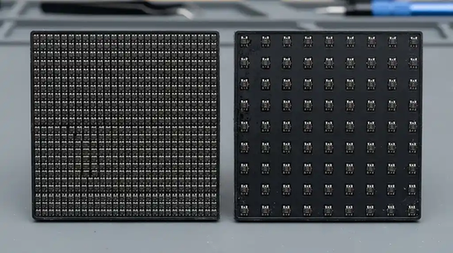
Pixel pitch is the distance between the centers of two neighboring pixels, measured in millimeters. It affects image detail, viewing distance, resolution, and cost.
A smaller pitch places pixels closer together and supports finer detail at close range. A larger pitch can suit a screen viewed from farther away. The best choice depends on the closest position from which people will read or inspect the content.
Measure the closest normal viewer position. A shelf screen and a roadside screen need different levels of detail because people see them from different distances.
Small text and product images need more detail than large graphics viewed from afar. Ask to see your planned content on the proposed pitch.
For a broader overview of screen categories and selection logic, see UHLED’s LED display types guide.
Brightness and Ambient Light
Brightness describes how much light the display produces. The required level depends on the surrounding light, viewing distance, screen position, and content.
An indoor meeting room, a retail window, and an outdoor site need different brightness levels. Excessive brightness can reduce comfort and increase operating load in a dark room.
When comparing brightness specifications, confirm:
Whether the figure is a maximum or normal operating value
The ambient light at the installation site
Whether brightness can be adjusted
Whether automatic adjustment is available
How the display will be viewed and recorded
UHLED offers adjustable brightness and, where applicable, a light sensor probe. Include the sensor location in the project plan.
For outdoor requirements such as visibility, protection, and installation, review Key Features to Look for in an Outdoor LED Screen.
Refresh Rate, Frame Rate, and Camera Performance
Refresh rate describes how often the display updates the image, usually expressed in hertz. It affects how stable the image appears to people and cameras, especially during moving content.
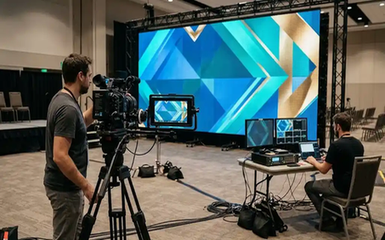
Refresh rate deserves extra attention for live events, conferences, and video production. A screen can look acceptable to the eye yet show scan lines or flicker through a camera.
Frame rate is the rate at which the content source sends frames. Refresh rate is a display system characteristic. They work together, but they describe different parts of the signal chain.
The driver IC controls current and switching at the pixel level. Its PWM and grayscale behavior, together with controller settings, affect the final image. UHLED explains the relationship in its article on LED display driver IC and refresh rate.
Ask for a camera test when the project will be filmed. Confirm the complete configuration, including the controller and driver system, when selecting a refresh-rate requirement.
Resolution, Screen Size, and Aspect Ratio
Resolution is the number of pixels in the horizontal and vertical directions. It depends on the physical screen size and pixel pitch. A large screen with a coarse pitch may show less fine detail than a smaller screen with a finer pitch.
Confirm these fields in the specification:
Physical width and height
Pixel matrix
Native resolution
Content aspect ratio
Recommended content dimensions
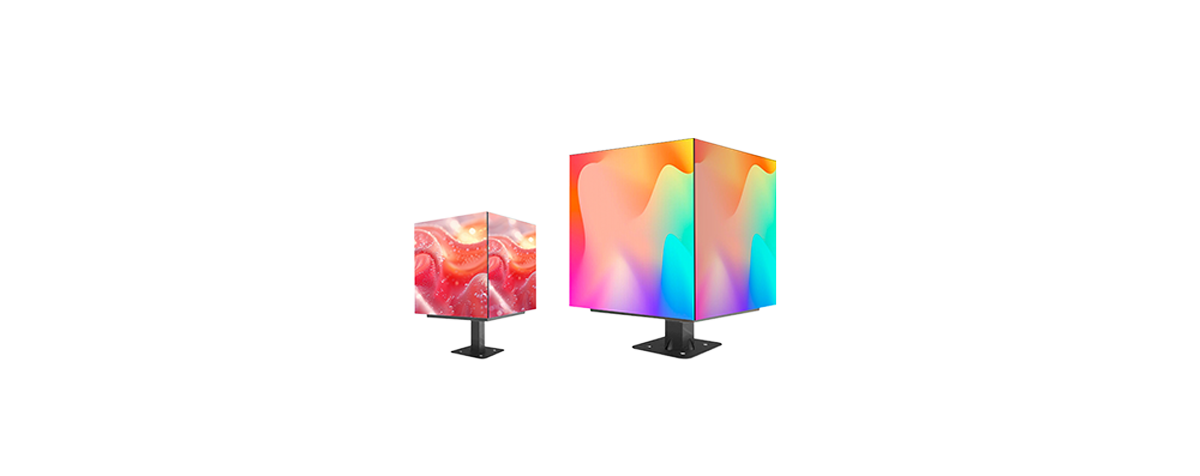
A 16:9 video source may fit a standard wall, while a shelf or cube display needs a different layout. Review the content format before production to avoid stretched images or unreadable text.
A request for “4K” also needs context. Confirm whether it describes the source content, processor output, or the physical LED pixel matrix.
Contrast Ratio, Grayscale, and Color Performance
Contrast ratio describes the relationship between the brightest white and darkest black the display can produce under a stated measurement method. It influences dark scenes, image depth, and perceived separation between content areas.
Contrast works with brightness and ambient light. Ask whether the quoted value is static or dynamic and how it was measured.
Grayscale affects transitions between shades. For screens made from multiple modules, ask how color is calibrated and replacement modules are matched.
UHLED provides a separate explanation of LED display contrast ratio and the conditions that affect practical comparison.
Viewing Angle and Content Visibility
Viewing angle matters when people approach the display from different positions. A screen facing one audience has different needs from a retail aisle, lobby, or multi-sided creative installation.
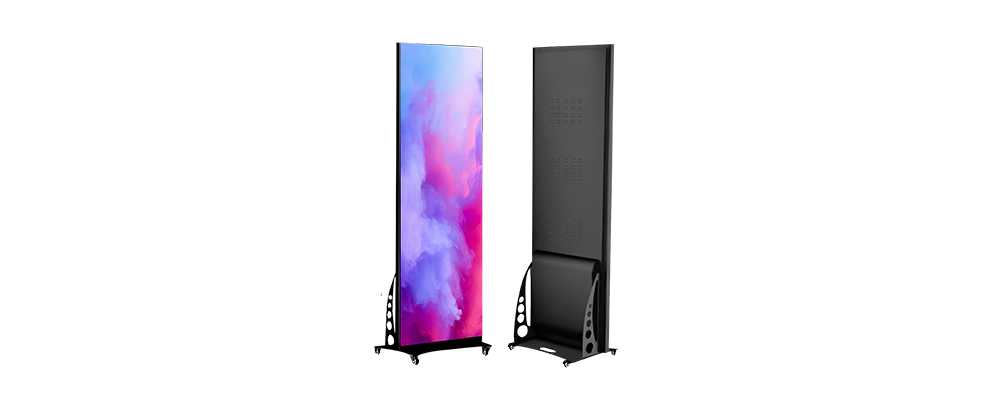
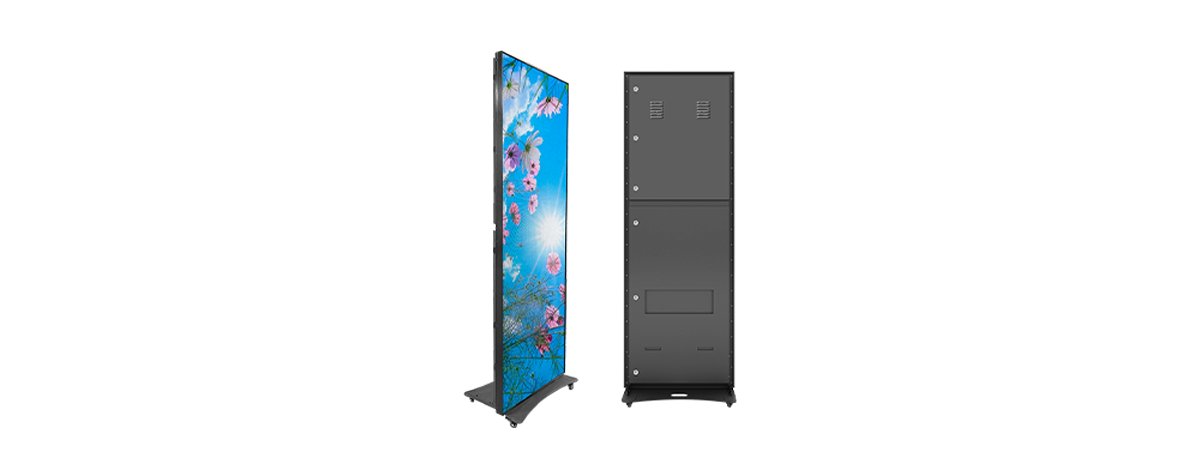
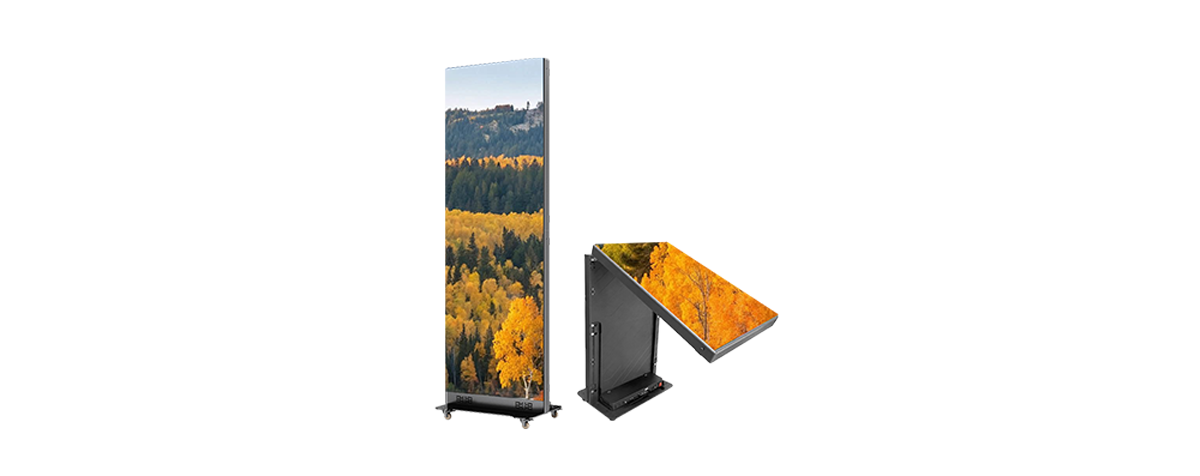
Check both horizontal and vertical viewing positions. For a shelf LED display, use the angle from the normal shopper position. For a cube or poster display, consider whether people will see the content from the side as they walk past.
Large text helps when the audience moves quickly. Detailed information requires a closer viewing position and suitable pixel pitch.
IP Rating, Cabinet Material, and Site Conditions
An IP rating describes protection against solid objects and water under defined test conditions.
Check rain, dust, cleaning, humidity, and temperature conditions. Review the rating of the cabinet, modules, and connectors as a system.
Cabinet material also affects weight, heat dissipation, corrosion resistance, and installation requirements. UHLED offers cabinet options that include IP66 aluminum cabinets and die-cast aluminum designs for applicable products.
The specification should state:
Cabinet material and dimensions
Maintenance direction
Mounting method
Ventilation requirements
Structural load
Outdoor protection
Cable and connector access
An outdoor installation may need a separate structure review; a rental display must tolerate transport and repeated assembly.
Power Consumption and Thermal Conditions
Ask for maximum and typical power consumption. Both are needed for electrical planning and operating-cost estimates.
Brightness, content, screen size, and operating hours affect the load. A qualified electrical team should confirm distribution, cables, and protection devices.
Check ventilation, power-supply placement, fan requirements, and inspection access. A confined installation may need additional cooling.
Avoid comparing energy figures without checking the same screen size, brightness setting, content pattern, and measurement method.
SMD, COB, and GOB: How Technology Affects Specifications
LED packaging technology changes the way a display is protected, viewed, and maintained.
SMD is used across many display formats. COB integrates LED chips into a board surface for selected fine-pitch applications. GOB adds a protective layer over the LED surface.
Compare the technologies by:
Pixel density and viewing distance
Surface protection
Indoor or outdoor conditions
Maintenance method
Module replacement
Budget and project priorities
Read UHLED’s comparisons of GOB and COB LED displays and COB LED versus SMD LED before selecting a technology for a specific site.
How to Turn LED Screen Parameters Into a Project Specification
A useful project specification connects every parameter to a condition at the site. Include the following fields in a request for quotation:
Application and location
Indoor or outdoor environment
Screen width and height
Closest viewing distance
Pixel pitch
Brightness target and adjustment method
Refresh-rate requirement
Native resolution and aspect ratio
Cabinet material and IP rating
Front or rear maintenance
Control system and input source
Power requirements
Installation structure
Warranty
Spare parts
Technical support
Use measurable descriptions. “Suitable for a bright retail aisle” gives the supplier a condition to evaluate. “High brightness” leaves the requirement open to interpretation.
State what the screen must display, how technicians will reach it, and what support is required after handover.
What Should You Confirm With the LED Display Supplier?
Before ordering, ask the supplier to clarify:
Are the listed values typical, maximum, or minimum values?
Which test conditions produced each figure?
Is the selected pitch available for the required screen size?
Does the controller support the intended content source?
Are brightness and color settings adjustable?
Is front maintenance available?
Which installation documents are included?
Which spare modules and accessories are supplied?
What does the warranty cover?
Is remote technical support included?
A complete answer helps compare quotations and gives installers a commissioning record.
How UHLED Supports Specification-Based LED Display Projects
UHLED integrates LED display research and development, manufacturing, and sales. Established in 2015, the company supplies indoor, outdoor, rental, shelf, poster, transparent, and irregular LED display products.
Its product FAQ lists adjustable brightness, Wi-Fi and HDMI support, controller compatibility according to configuration, a five-year warranty, remote technical support, accessory supply, and software or firmware upgrade support. UHLED can also provide wiring and installation structure diagrams for applicable projects. Overseas projects can be supported by project engineers.
Browse the UHLED LED display products, market solutions, service, and case studies when turning a specification into a project discussion.
FAQ
What is the most important LED display specification?
There is no single value that suits every project. Confirm the environment, viewing distance, screen size, and content first, then select pixel pitch, brightness, refresh rate, and protection requirements.
How do I choose LED display pixel pitch?
Start with the closest normal viewing distance and the level of detail in the content. Ask to review your text and images on the proposed pitch before production.
What refresh rate is suitable for an LED display?
The requirement depends on whether the display will be viewed by people, recorded by cameras, used for live events, or used for ordinary signage. Confirm the complete display, controller, receiving card, and driver configuration.
What is the difference between maximum and typical power consumption?
Maximum power helps with electrical and safety planning. Typical power is closer to the expected operating condition. Ask the supplier how each figure was measured and which brightness and content settings were used.
What should be included in an LED display specification sheet?
It should include screen size, pixel pitch, brightness, refresh rate, resolution, contrast information, cabinet and IP rating, control system, power requirements, maintenance method, warranty, spare parts, and technical support.


