







LED Video Walls: How They Work, What They Cost, and How to Choose One
An LED video wall is a large digital display assembled from modular LED panels. The panels join edge to edge to form a continuous image and can be arranged as a standard 16:9 screen, an entire wall, a corner installation, or a custom shape.
LED walls are used in stores, lobbies, control rooms, studios, stadiums, and live-event venues. A suitable system depends on the viewing distance, pixel pitch, brightness, resolution, mounting structure, operating environment, and service access. This guide explains how those factors affect the display.
What is an LED video wall?
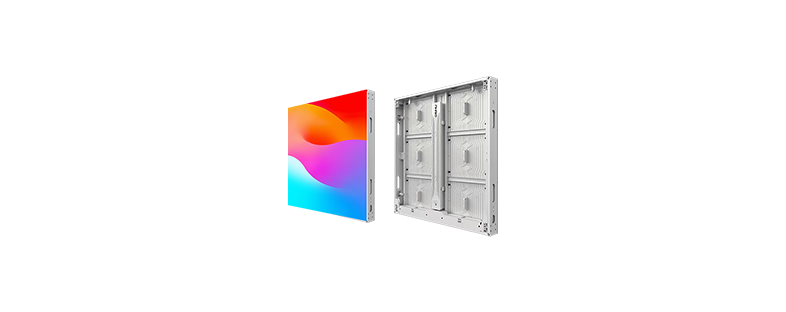
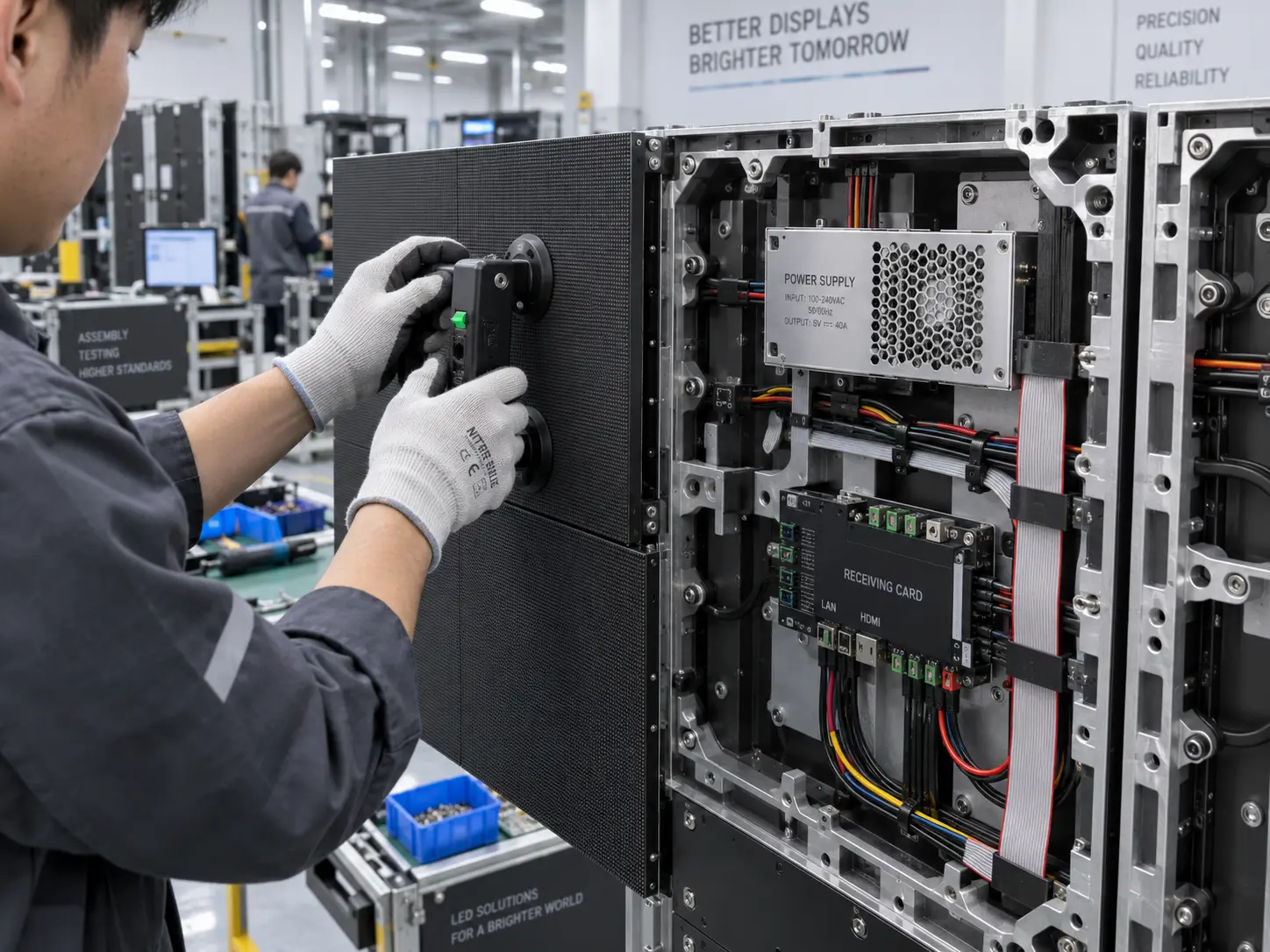
An LED video wall is a direct-view display. Red, green, and blue LEDs produce the image at the display surface. The LEDs sit on modules, the modules fit into cabinets, and the cabinets join together to create the finished screen.
After installation and calibration, the cabinets display one continuous image. Cabinet alignment and color calibration determine how evenly lines, faces, and text cross the joins between modules.
The term “video wall” also covers tiled LCD displays and some projection systems. In this guide, it refers to a modular direct-view LED display designed for indoor or outdoor use.
How does an LED video wall work?
The image begins with a source such as a media player, computer, camera system, or content management platform. A video processor or controller receives the signal, scales it to the wall’s pixel dimensions, and sends image data to receiving cards inside the cabinets. The receiving cards control the color and brightness of each LED pixel.
A complete system usually includes:
-
LED modules containing the pixels
-
Cabinets containing the modules, power supplies, and receiving cards
-
A controller or video processor
-
Power and data cabling
-
A mounting frame or support structure
-
A media player, computer, camera system, or content management platform
Installations that must remain operational can also include backup power, redundant signal paths, remote monitoring, and multi-source processing.
LED video wall, LCD video wall, or projector?
The site conditions and content determine which display technology fits the project.
| Factor | Direct-view LED wall | LCD video wall | Projector |
|---|---|---|---|
| Image joins | Cabinet joins can be visually uniform after precise alignment and calibration | Panel bezels remain visible between displays | A single projected image has no panel joins |
| Ambient light | Models are available for bright indoor spaces and daylight-viewable outdoor installations | Suited to many indoor environments | Image visibility depends strongly on room light and screen selection |
| Size and shape | Cabinet layouts support many sizes, aspect ratios, and custom forms | Layout follows the dimensions of the LCD panels | Image size depends on lens, throw distance, screen, and available space |
| Black level | Depends on LED package, surface treatment, calibration, and ambient light | Depends on panel and backlight | Depends on the projector, screen, and room light |
| Maintenance | Many systems allow individual modules, power supplies, and receiving cards to be replaced | Service may require replacing a complete display | The light source, filters, optics, and alignment may require service |
| Site requirements | Requires a support structure, power, heat management, data paths, and service access | Requires mounting, power, signal distribution, and service access | Requires a clear light path, suitable throw distance, mounting, and alignment |
Choose an LCD video wall when panel bezels suit the content and budget. Choose projection when the room supports controlled light and the required throw distance. Choose direct-view LED when the project calls for high brightness, a large or custom format, or an image free of LCD panel bezels.
Common types of LED video wall
Indoor fixed LED walls
Indoor fixed displays are used in meeting spaces, retail interiors, studios, and control rooms. Viewers often stand close to these screens, so the viewing plan may call for a smaller pixel pitch. The content and nearest viewing distance should determine the pitch; extra pixel density adds cost and processing load when viewers cannot see the difference.
Outdoor LED walls
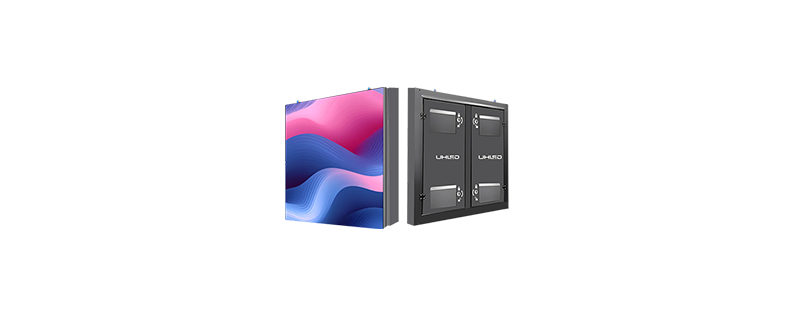
An outdoor LED display needs enough brightness for the site and protection suited to the local environment. Review its ingress protection, heat dissipation, cabinet materials, operating temperature, corrosion exposure, wind loading, drainage, and repair access. The supporting structure and electrical installation must also meet local requirements.
Rental and event LED walls
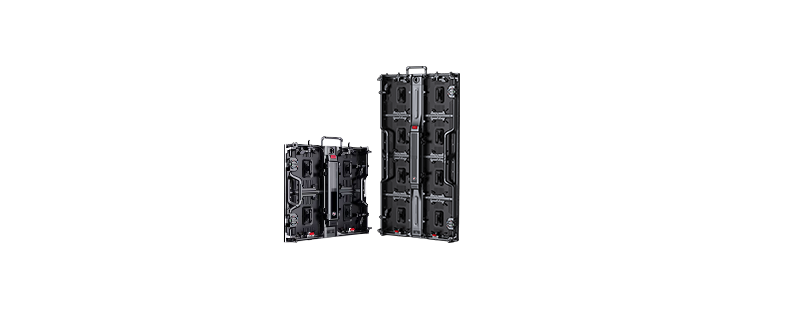
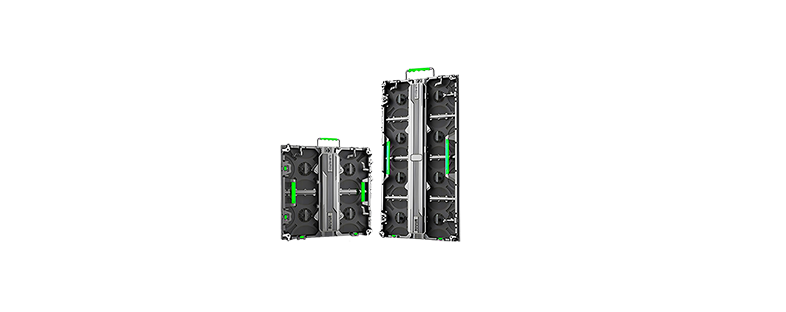
A rental LED display is designed for repeated transport, assembly, and dismantling. Check the cabinet weight, fast locks, alignment features, rigging points, flight cases, and module-replacement process. For filmed events, test the display with the production cameras and planned camera settings.
Fine-pitch LED walls
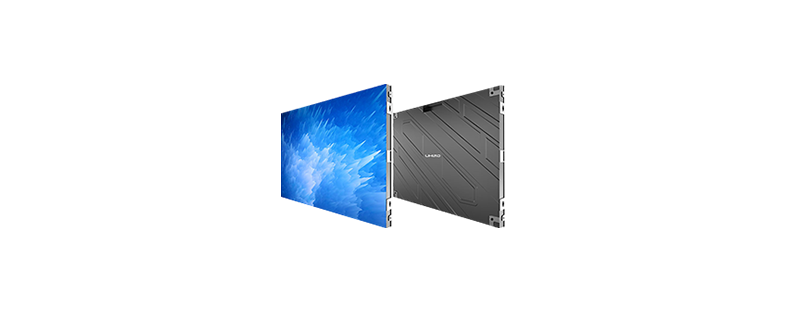
Fine-pitch displays place pixels closer together, which reduces the visible pixel structure at short viewing distances. They are used in boardrooms, studios, and control rooms. A smaller pitch increases pixel count, controller load, and system cost, so select it against the closest viewing position and the detail in the content.
Creative and transparent LED displays
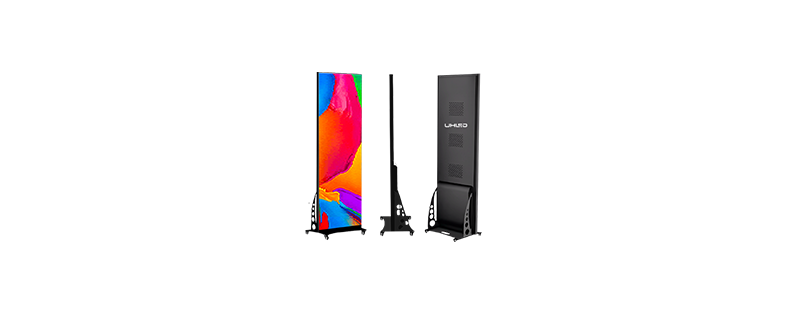
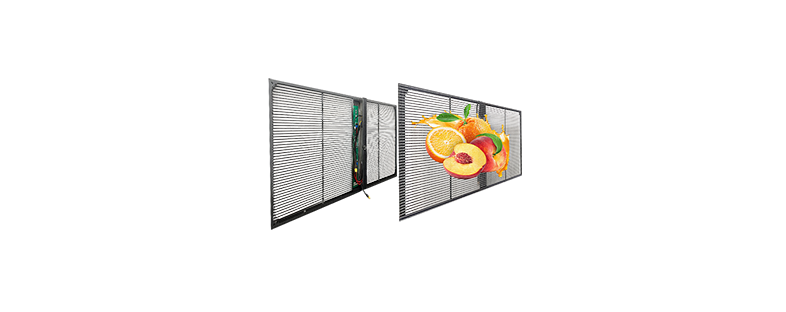
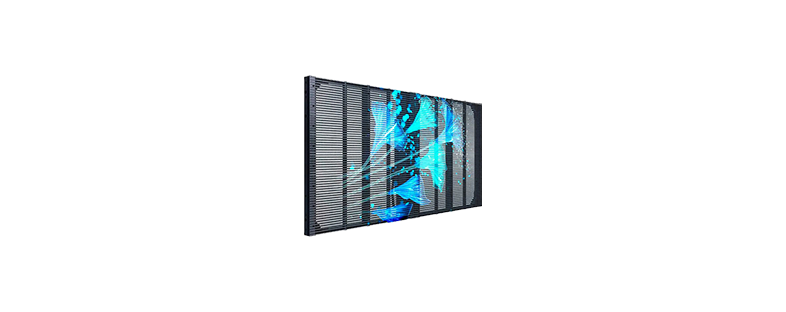
Curved cabinets, cube displays, flexible LED products, and transparent displays can follow architectural features or preserve a view through part of the installation. Design the content around the physical shape, active display area, and pixel layout.
The specifications that matter most
Pixel pitch and viewing distance
Pixel pitch is the center-to-center distance between neighboring pixels, measured in millimeters. A smaller pitch places the pixels closer together and increases pixel density. It is generally used where the audience will view the screen at close range. A larger pitch can suit longer viewing distances.
Viewing-distance formulas provide an initial estimate. Text size, image detail, camera use, ambient light, and budget can change the choice. Test representative content from the closest expected viewing position before approving the specification.
Resolution and aspect ratio
The wall’s physical dimensions and pixel pitch determine its native resolution. To estimate the pixel dimensions, divide the active width and height by the pixel pitch using the same units.
For example, a wall that is 4,800 mm wide with a 2.5 mm pixel pitch has approximately 1,920 pixels across. Cabinet dimensions may require the final layout to be adjusted to whole modules or cabinets.
Confirm the required canvas before approving the layout. The content may call for native 4K, a standard 16:9 format, or a custom aspect ratio. The controller must support both the input signal and the wall’s output pixel map.
Brightness and contrast
Brightness is measured in nits, or candelas per square meter. Outdoor displays typically require higher brightness than indoor screens. For indoor use, check the display’s adjustable range so the image remains comfortable at the site’s normal light level.
Perceived contrast depends on the LED package, the surface around each LED, ambient reflections, calibration, and viewing angle. Evaluate it under the lighting conditions expected during operation.
Refresh rate and camera performance
A display that looks stable to the eye can show scan lines, flicker, or banding on camera. Broadcast, virtual-production, and live-event projects should be tested with the cameras, frame rates, shutter settings, processor settings, and content planned for the site.
Protection and operating environment
For outdoor or dusty locations, check the IP rating and confirm which faces of the cabinet the rating covers. Review the specified temperature and humidity range as well as salt air, direct sun, drainage, and ventilation. Public indoor spaces may also benefit from LED surface protection where the display is within reach.
Maintenance and redundancy
Front-service cabinets allow technicians to remove modules and components from the viewing side. Rear-service cabinets require working space behind the wall. Confirm how technicians will reach and replace modules, power supplies, receiving cards, and cables before the mounting structure is built.
For continuous or safety-critical operation, the design can include redundant power and signal paths, calibrated spare modules, remote monitoring, and documented recovery procedures.
图片: Fine pitch LED wall with controller
How much does an LED video wall cost?
LED video wall pricing varies by pixel pitch, total pixel count, brightness, protection level, cabinet design, controller capacity, and order volume. A complete project budget can also include:
-
Freight and packaging
-
Mounting or structural steelwork
-
Power distribution and data cabling
-
Installation and calibration
-
Control equipment and content systems
-
Permits, engineering, and site access
-
Spare modules and replacement parts
-
Training, warranty coverage, and ongoing service
A smaller pixel pitch places more pixels in the same area and generally increases display and processing costs. Outdoor installations add environmental protection and structural requirements. Rental cabinets add hardware for repeated handling and assembly.
Compare quotations using the same scope. Confirm the cabinet layout, controller, spares, mounting hardware, installation, calibration, commissioning, training, warranty, and support included in each proposal. This exposes costs that may sit outside the quoted panel price.
How to choose the right LED video wall
Build the specification from the audience, site, and content:
1. Measure the available width, height, depth, and supporting structure.
2. Record the closest and typical viewing distances.
3. Document ambient light, operating hours, temperature, moisture, dust, and direct-sun exposure.
4. Define the content, input sources, aspect ratio, and required native resolution.
5. Confirm whether cameras will record the screen and list the planned frame rates and shutter settings.
6. Plan power, data, ventilation, control equipment, and service access.
7. Compare proposals with the same scope for spares, installation, calibration, training, warranty, and support.
Before production, request these project documents from the supplier or integrator:
-
Cabinet and module layout
-
Native pixel map and content canvas
-
Signal-flow diagram
-
Maximum and typical power estimates
-
Structural loads and mounting requirements
-
Heat-management and ventilation requirements
-
Maintenance plan and spare-parts list
Event projects also need a rigging plan, flight-case count, assembly schedule, crew requirements, and on-site support plan.
Installation and maintenance basics
Installation begins with a site survey and an approved structural plan. The installation team levels the frame, mounts the cabinets, connects power and data, fits the LED modules, maps the controller, and calibrates brightness and color across the wall.
During operation, keep ventilation and service areas clear. Monitor temperature, inspect cables and mounts, and follow the manufacturer’s cleaning instructions. Store calibrated spare modules in the conditions specified by the supplier. Test backup power and signal paths on a documented schedule where continuous operation is required.
Where LED video walls are used
Retailers use LED walls for campaign content and in-store signage. Control rooms use them to show several live data sources. Studios use them as broadcast backgrounds or virtual-production surfaces. Event teams build stage backdrops, and transport sites use indoor and outdoor screens for information.
Each application produces a different specification. A boardroom may prioritize close-range image quality and low acoustic noise. A concert may prioritize fast assembly, rigging, and camera performance. A roadside display may prioritize daylight visibility, weather protection, structural loading, and remote monitoring.
Frequently asked questions
Do LED video walls have visible joins?
Direct-view LED walls have no LCD-style frames between cabinets. The finished image still depends on precise cabinet alignment and calibration. Poor installation or mismatched modules can make gaps, lines, brightness differences, or color differences visible.
How long does an LED video wall last?
Service life depends on LED quality, operating brightness, temperature, daily operating hours, power design, and maintenance. A manufacturer’s rated lifetime usually specifies the operating time until brightness falls to a defined percentage of its initial level. Ask for that threshold, the test conditions, and a list of replaceable components before comparing ratings.
Can an LED video wall display 4K content?
Yes. The controller must accept the required signal, and the completed wall needs 3,840 × 2,160 physical pixels to display UHD 4K content at native resolution. A lower-resolution wall can accept a 4K input and scale it to the wall’s native pixel dimensions, so check the input capacity and physical pixel map separately.
Can LED video walls be used outdoors?
Yes. Use cabinets and a supporting structure specified for the site’s brightness, ingress protection, operating temperature, corrosion exposure, wind load, drainage, and electrical requirements. Local planning and building rules may also apply.
What information does a supplier need for a quotation?
Provide the installation location, active screen dimensions, viewing distances, site drawings, content type, input signals, daily operating hours, installation method, service-access plan, environmental conditions, and project timeline. The supplier can use this information to propose the pixel pitch, cabinet layout, controller, structure, and supporting equipment.
Plan your LED video wall with UHLED
Send UHLED the screen dimensions, viewing distances, installation environment, content format, input sources, operating schedule, and service-access requirements. These details give the project team a basis for recommending a cabinet layout, pixel pitch, controller, and support structure.


